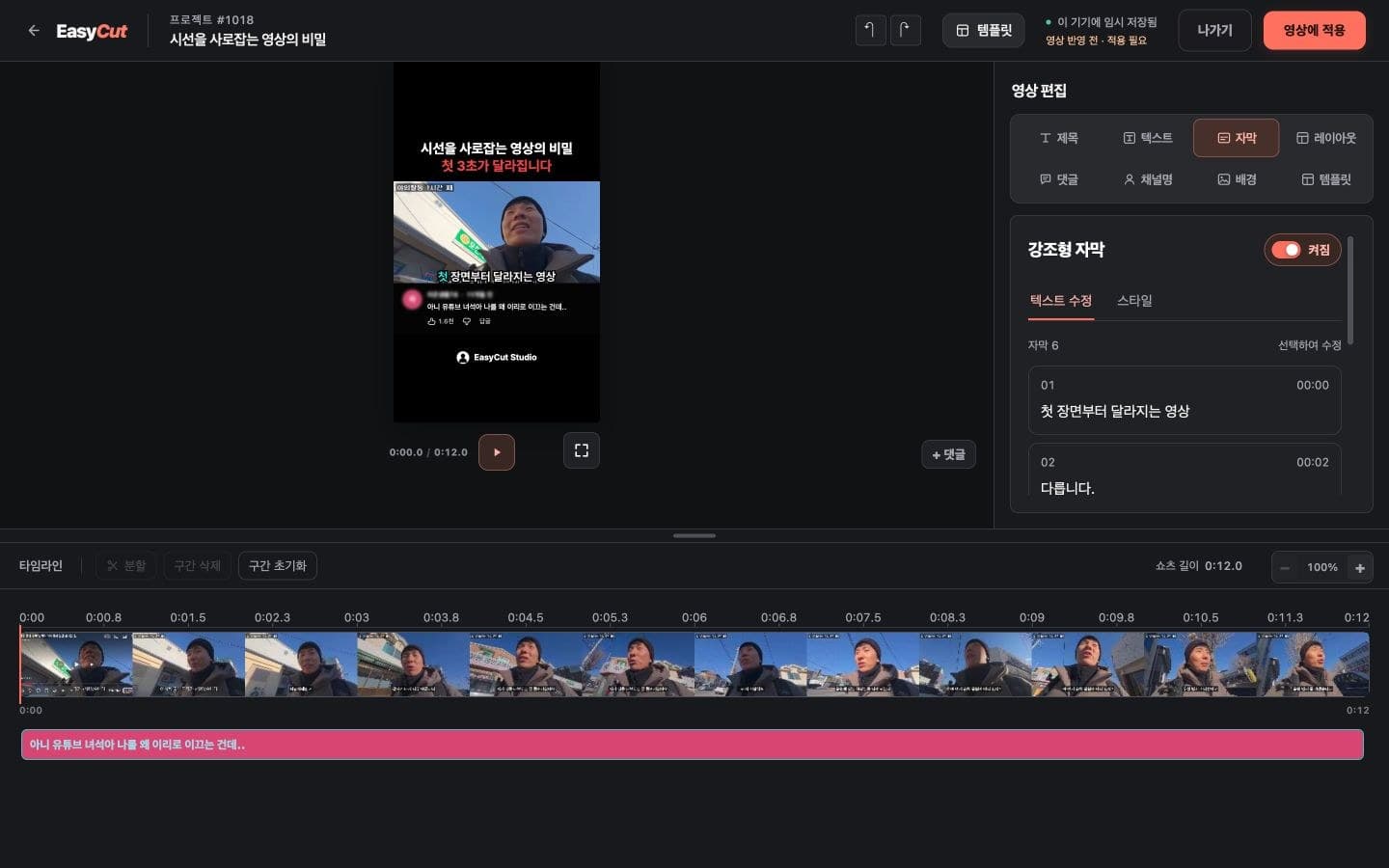
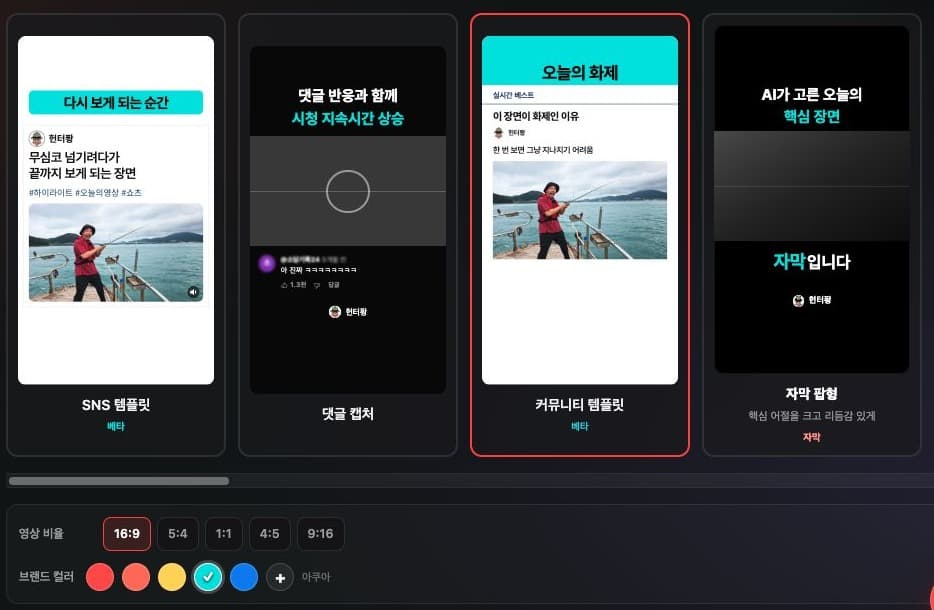
One familiar editor for SNS and Community templates
SNS and Community templates now use the shared editing workspace. Change your background and channel images, then fine-tune text and its timing in one place.
Discover new features and improvements.

We strengthened service security and checked key features so you can focus on creating Shorts with confidence.
Read the update ↗
SNS and Community templates now use the shared editing workspace. Change your background and channel images, then fine-tune text and its timing in one place.
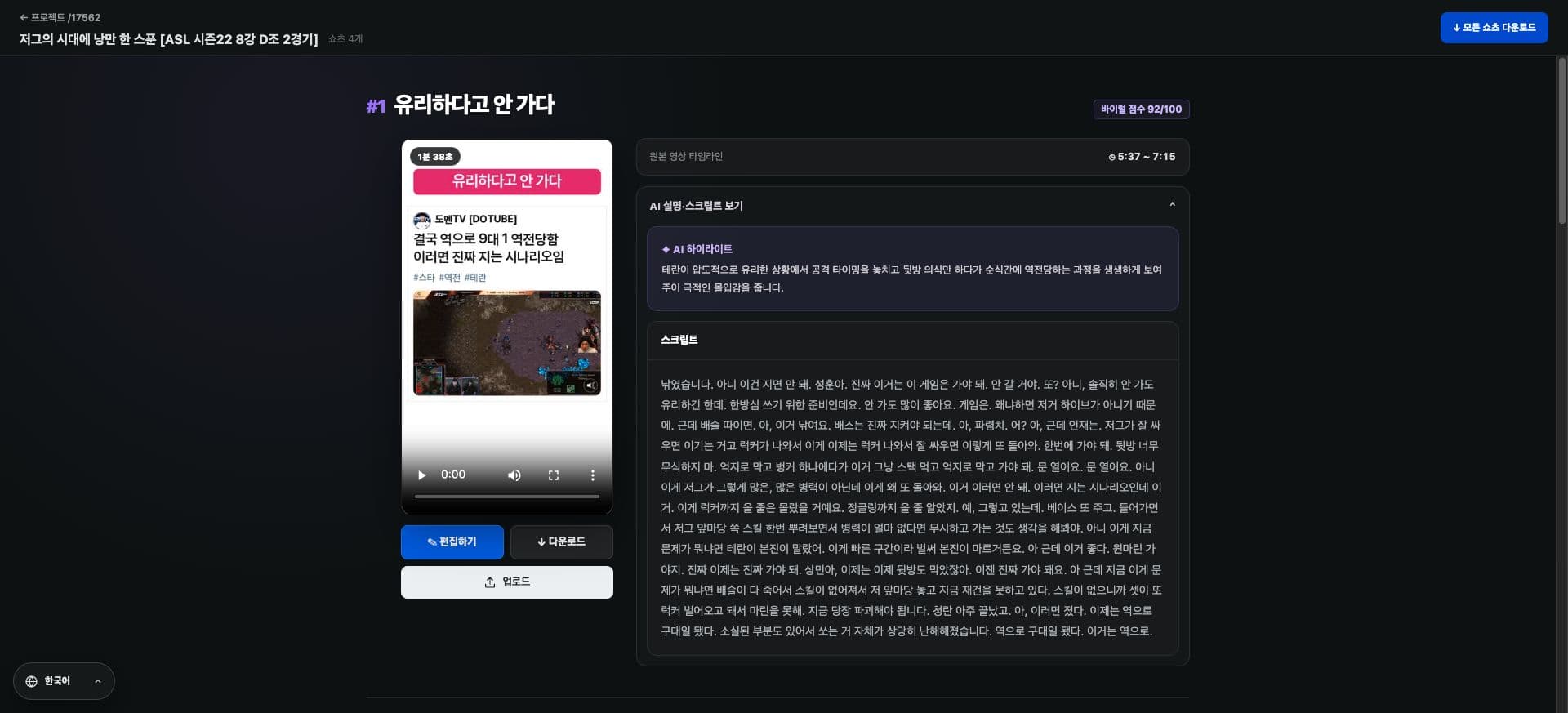
Fix repeated typos and names without searching line by line. Find matching subtitles, replace words in one go, and undo the change if needed.

Larger text, organized controls and a resizable timeline. Zoom the timeline with two fingers on mobile or a Mac trackpad.

Fixed an issue where videos in other languages were mixed when selecting 'Japanese only' or 'English only'.
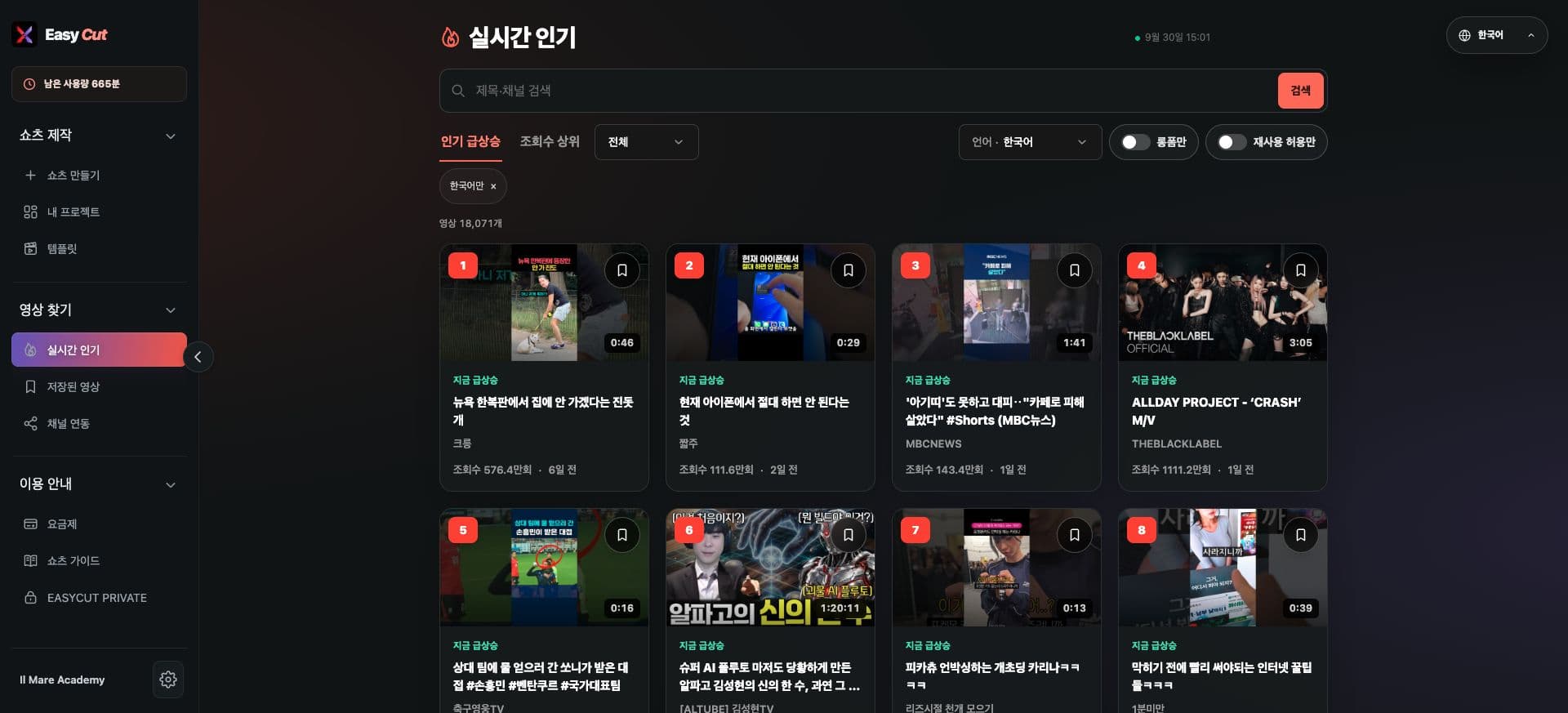
Category filters have been added to real-time popular videos. Quickly find topics that fit your channel, such as gaming, sports, and music.

Connect your TikTok account and post your finished Shorts directly. You can choose the privacy settings available for your account, including 'Public'.
Edit text instantly and adjust display time with handles. On mobile, tap ‘Done’ to return to your selected timeline.

Meet the Community Template: your board name, a short description, and video all on one screen.
A record of user-facing changes since July 25. Dates follow the change history and may differ from release dates. Images show the actual service, with capture dates indicated. Screenshots may show the Korean interface.