Changes
Quickly find only the subtitles you need
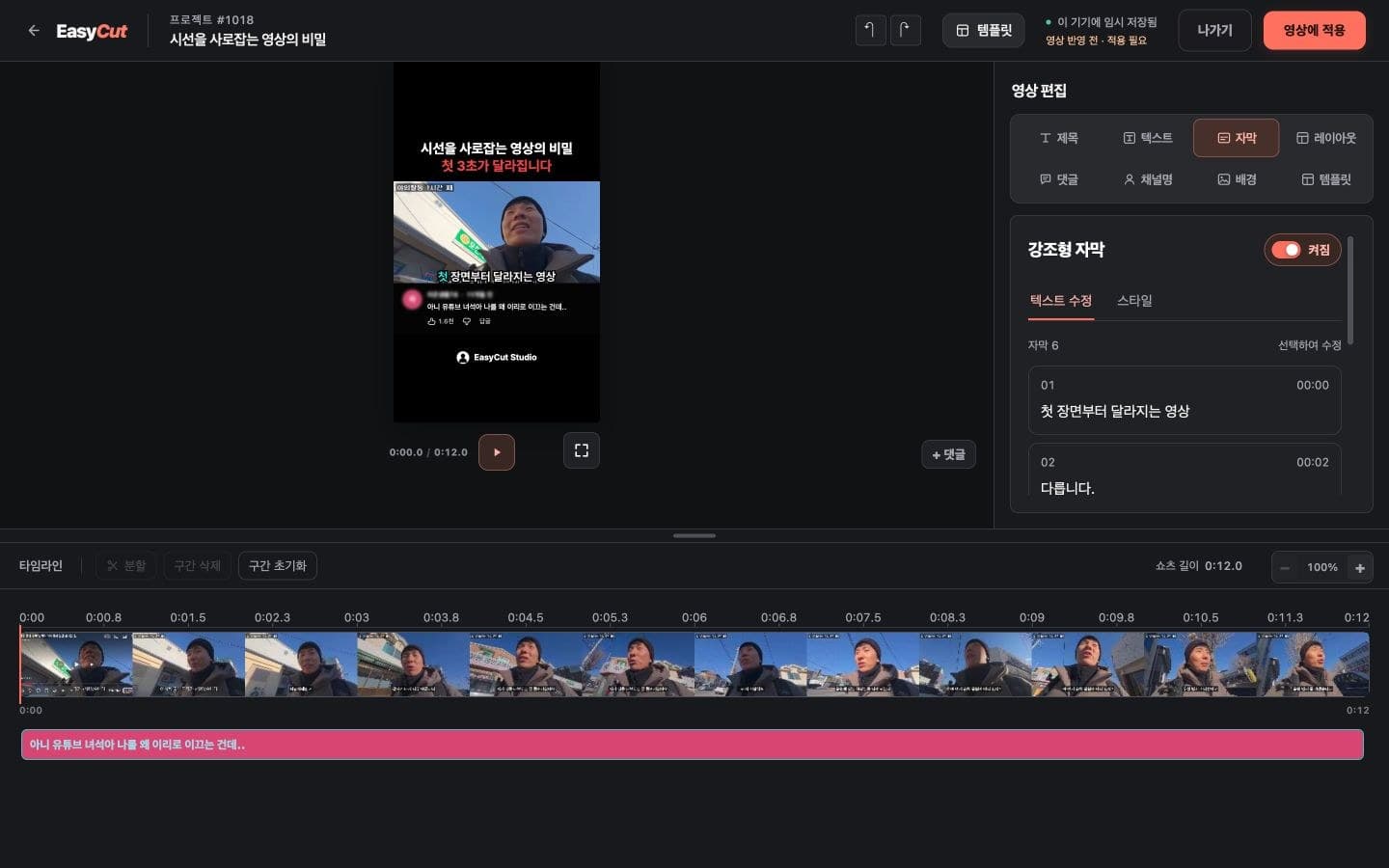
In the editor, open Subtitles → Edit text and search for a word. Only matching subtitles appear, with the word highlighted.
Click the time to jump to that scene, or click the subtitle sentence to edit it directly.
For repetitive typos or names, open ‘Replace’, enter the new phrase, and click ‘Replace All’. You can undo this batch edit all at once using ‘Undo’ that appears immediately after.
Available on desktop and mobile for videos that support subtitle text editing. Changes apply within the current editing range. Select “Apply to video” to render your edits into the final video.
Based on the change history for 2026.10.19. Screenshots may differ from the interface at the time of the update and may be in Korean. Check your account, plan and current service notices for feature availability.