Changes
What's Changed
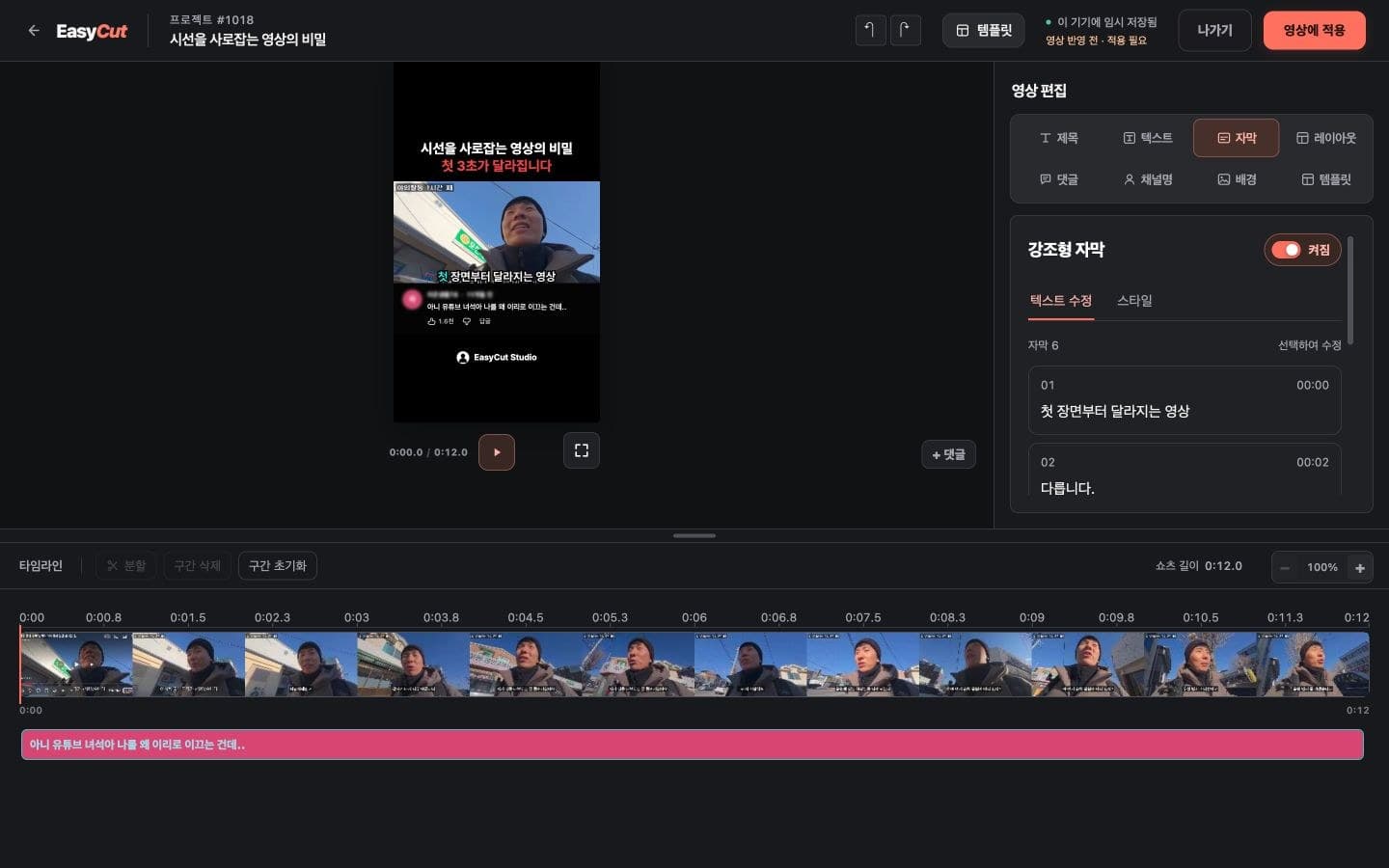
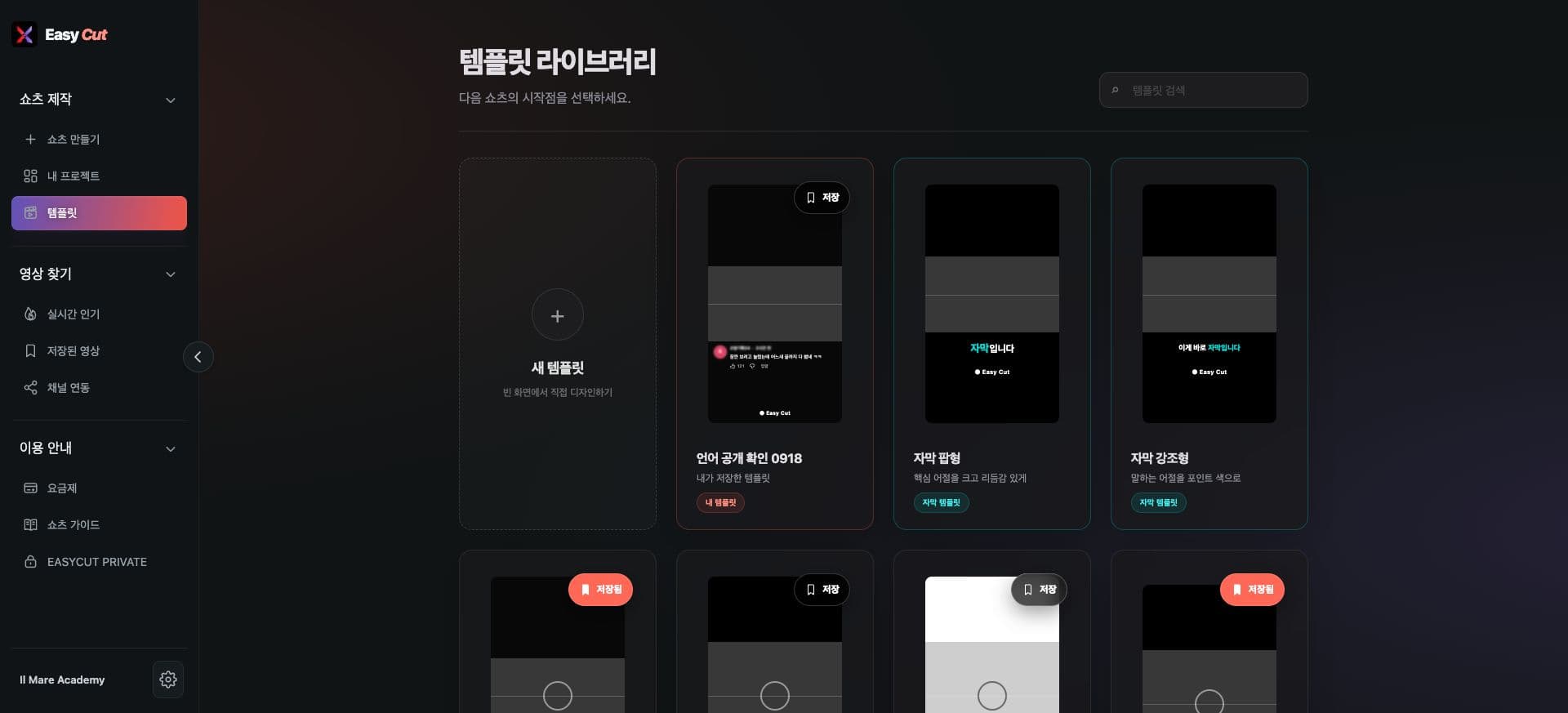
Offers Pop style, which enlarges key phrases, and Emphasis style, which highlights spoken phrases with color.
You can style subtitles along with other template elements.
We've also synchronized subtitle placement between the preview and the final video.
See it in Action
Check the placement in your actual video frame. Tap the image for a larger view.
- 1Pop and Emphasis Subtitles
How to use it
How to Use
- 01
Select Pop or Emphasis subtitle style in the template.
- 02
Adjust font, position, and color in the subtitle tool.
- 03
Use your saved settings in your projects.
Based on the change history for 2026.08.26. Screenshots may differ from the interface at the time of the update and may be in Korean. Check your account, plan and current service notices for feature availability.