Changes
See what's changed
Improved to display the selected language from the first time you open a page.
Ensured the language you were using continues when you log in or navigate to other screens.
Organized example content and instructional text by language, and refined line breaks for long sentences.
See it on screen
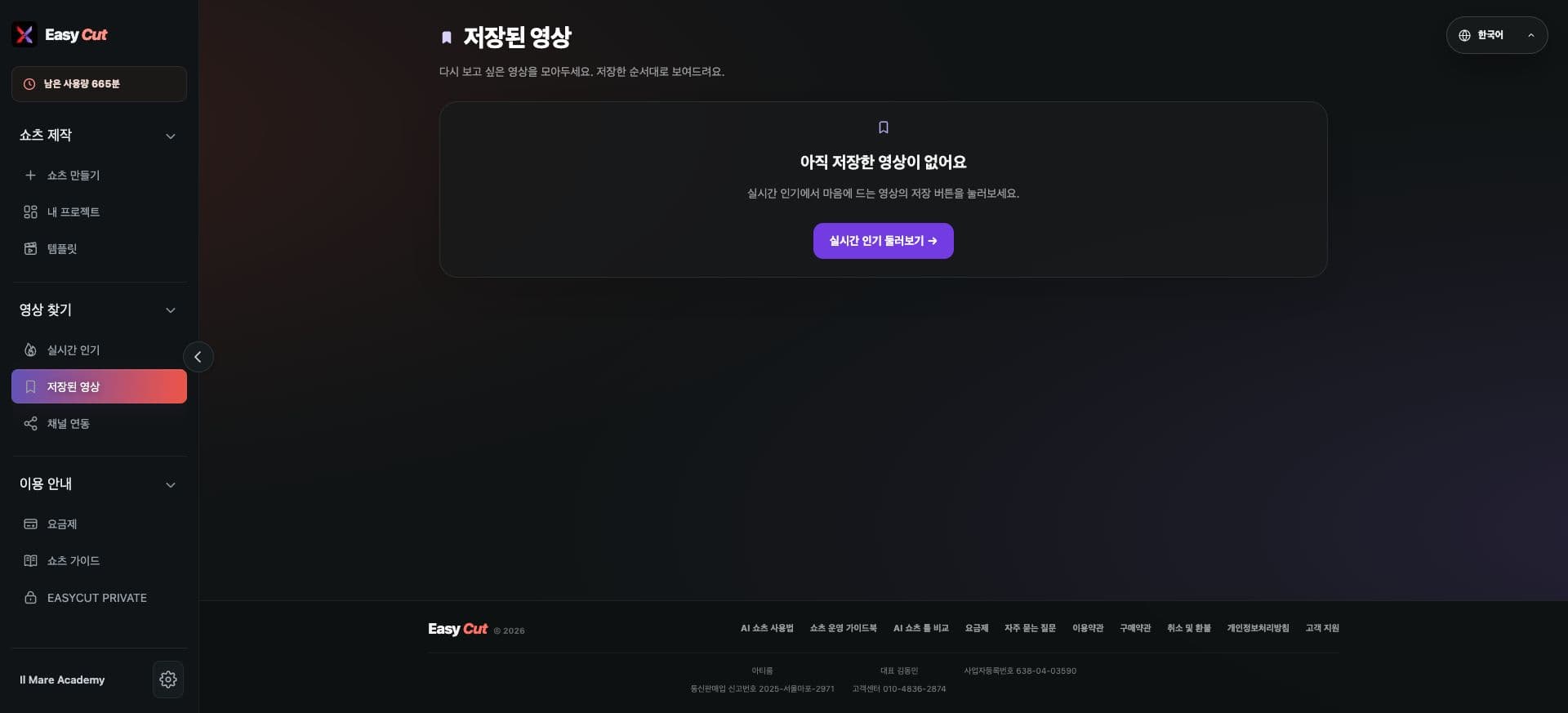
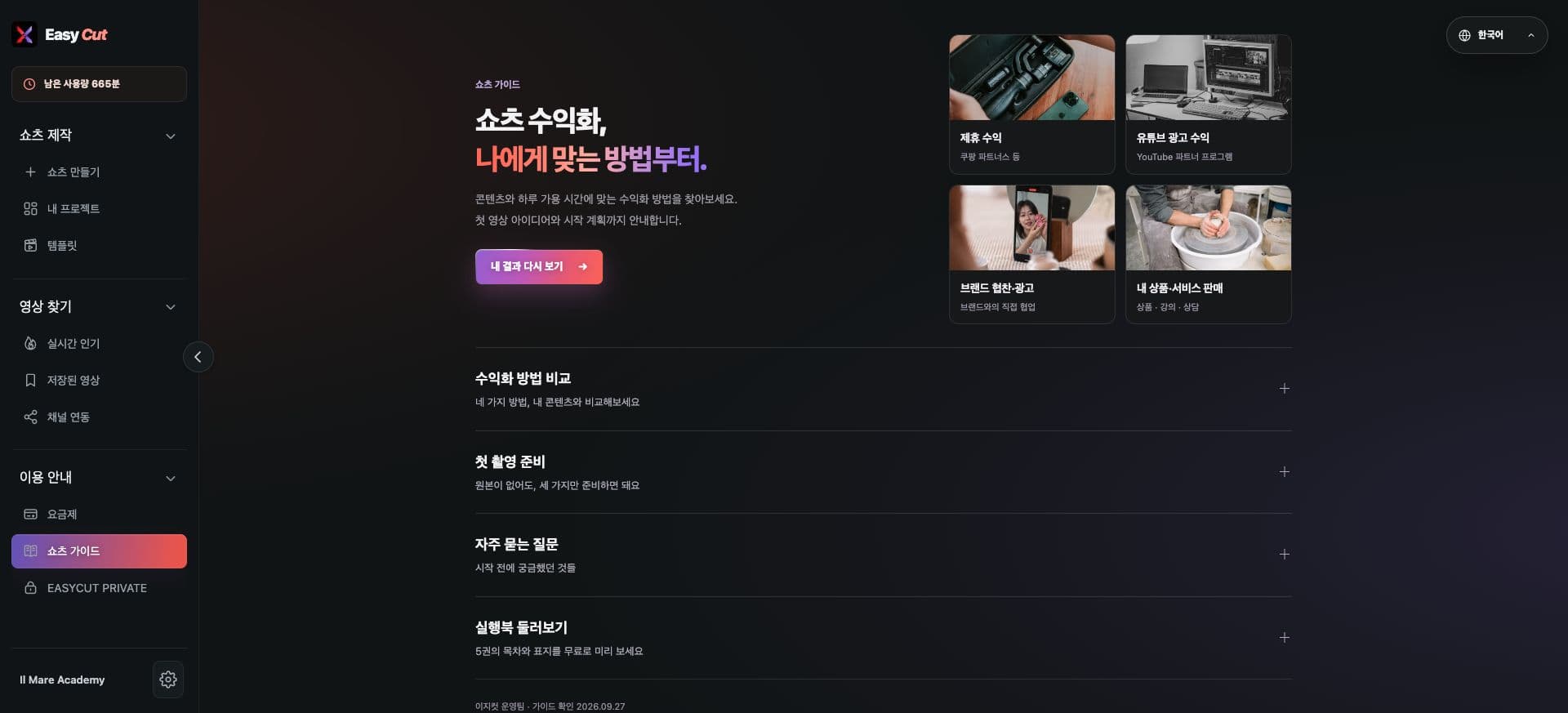
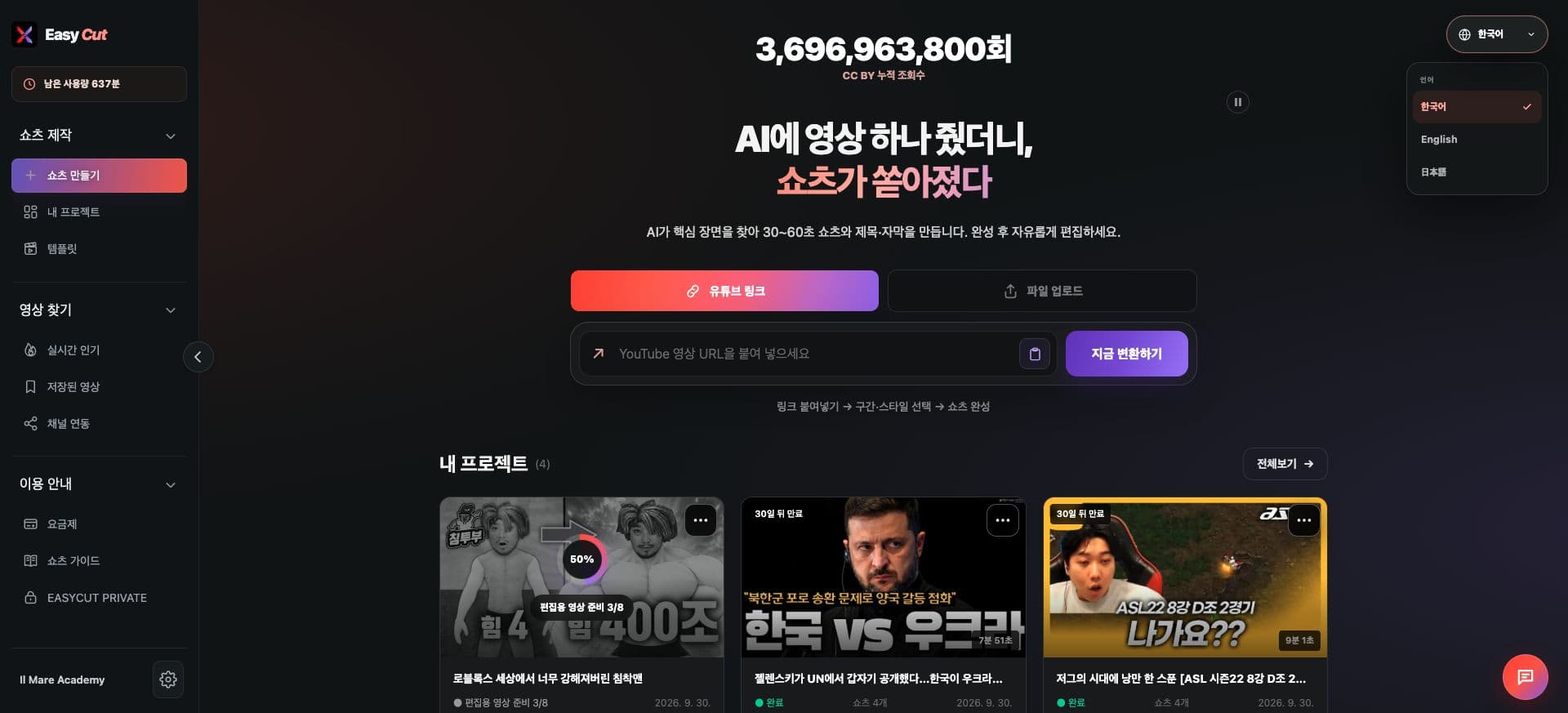
Check where it's used in the actual screen. Tap the image for a larger view.
How to use it
How to use
- 01
Open the language button on the screen.
- 02
Choose your preferred language: Korean, English, or Japanese.
- 03
Use the selected language on other pages too.
Based on the change history for 2026.09.20. Screenshots may differ from the interface at the time of the update and may be in Korean. Check your account, plan and current service notices for feature availability.