Changes
See What's New
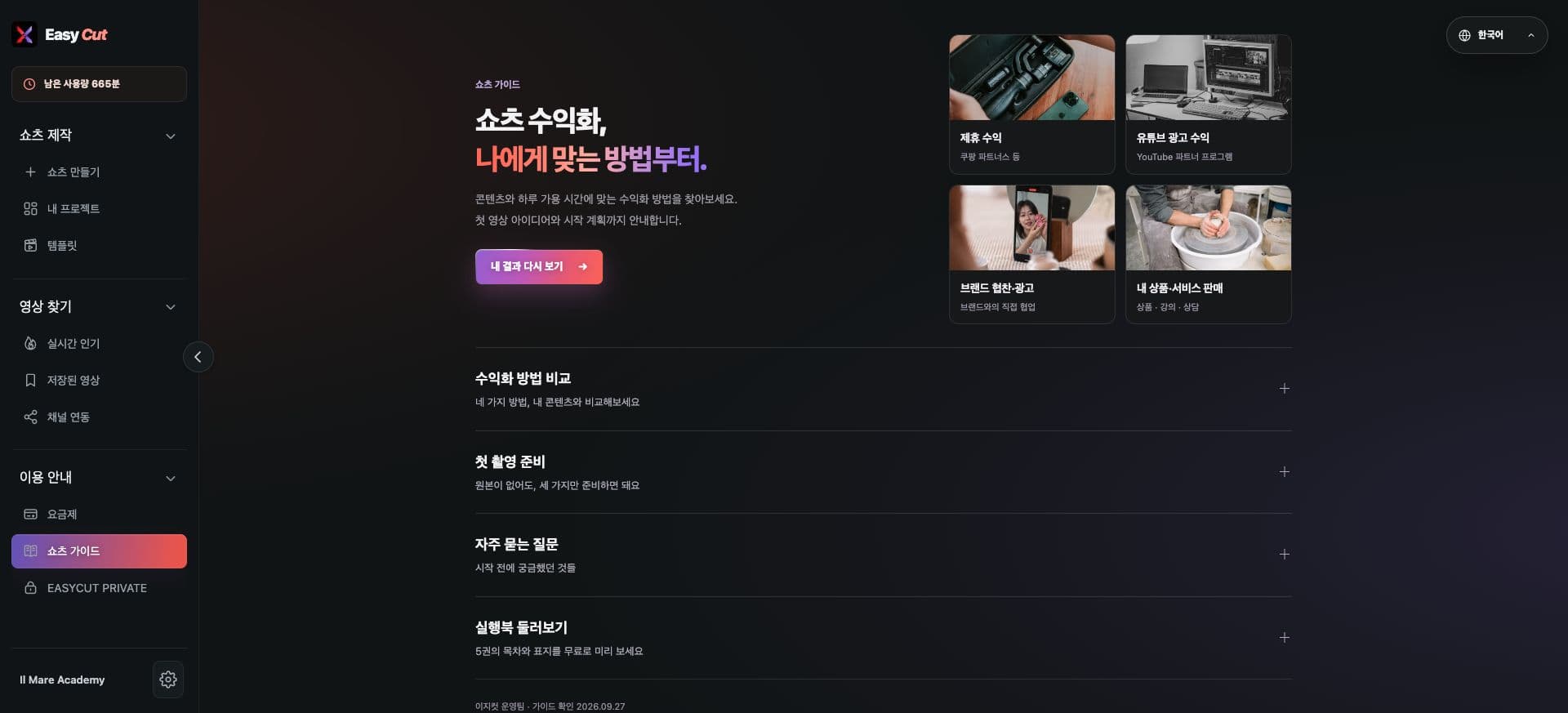
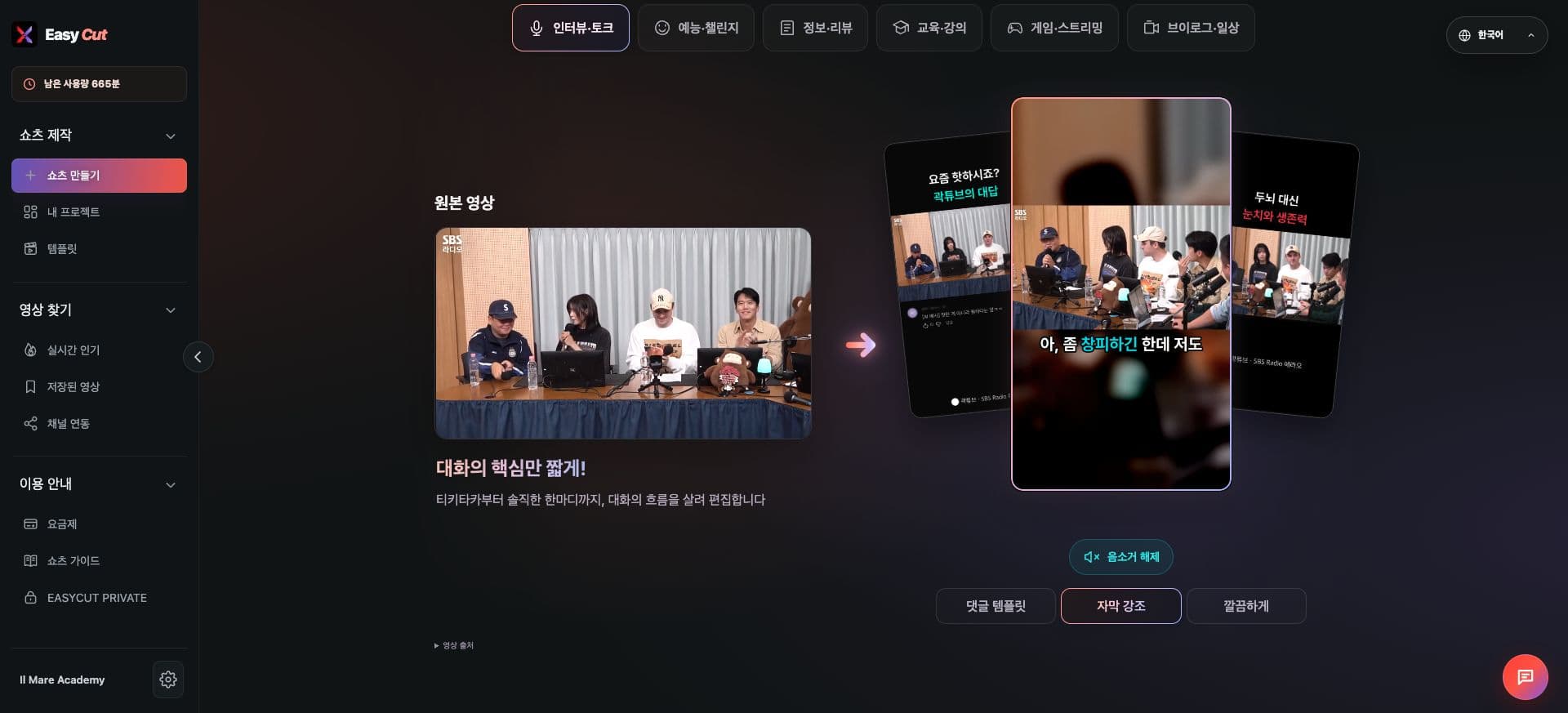
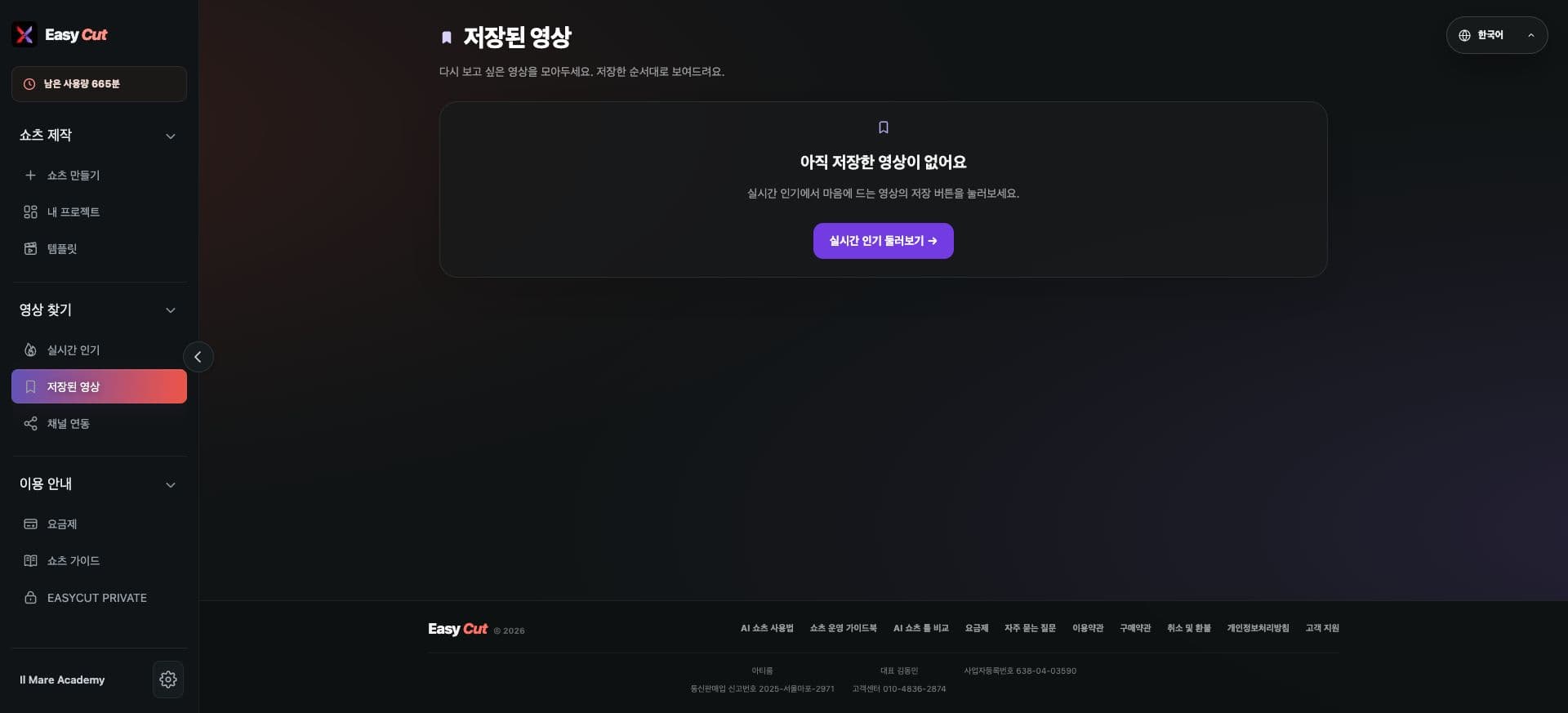
We've organized features into three groups: Shorts Creation, Find Videos, and How-To.
On desktop, you can expand and collapse the sidebar and groups to maximize your workspace.
On mobile, open the menu to quickly navigate to the same features.
Explore the Interface
Check the actual screen to see where to use these features. Click an image to enlarge.
- 1Menu organized by feature
How to use it
How to Use
- 01
Find the feature group you need in the left-hand menu.
- 02
Click a group title to expand or collapse it.
- 03
On mobile, use the top menu button.
Based on the change history for 2026.09.28. Screenshots may differ from the interface at the time of the update and may be in Korean. Check your account, plan and current service notices for feature availability.