Changes
What's Changed
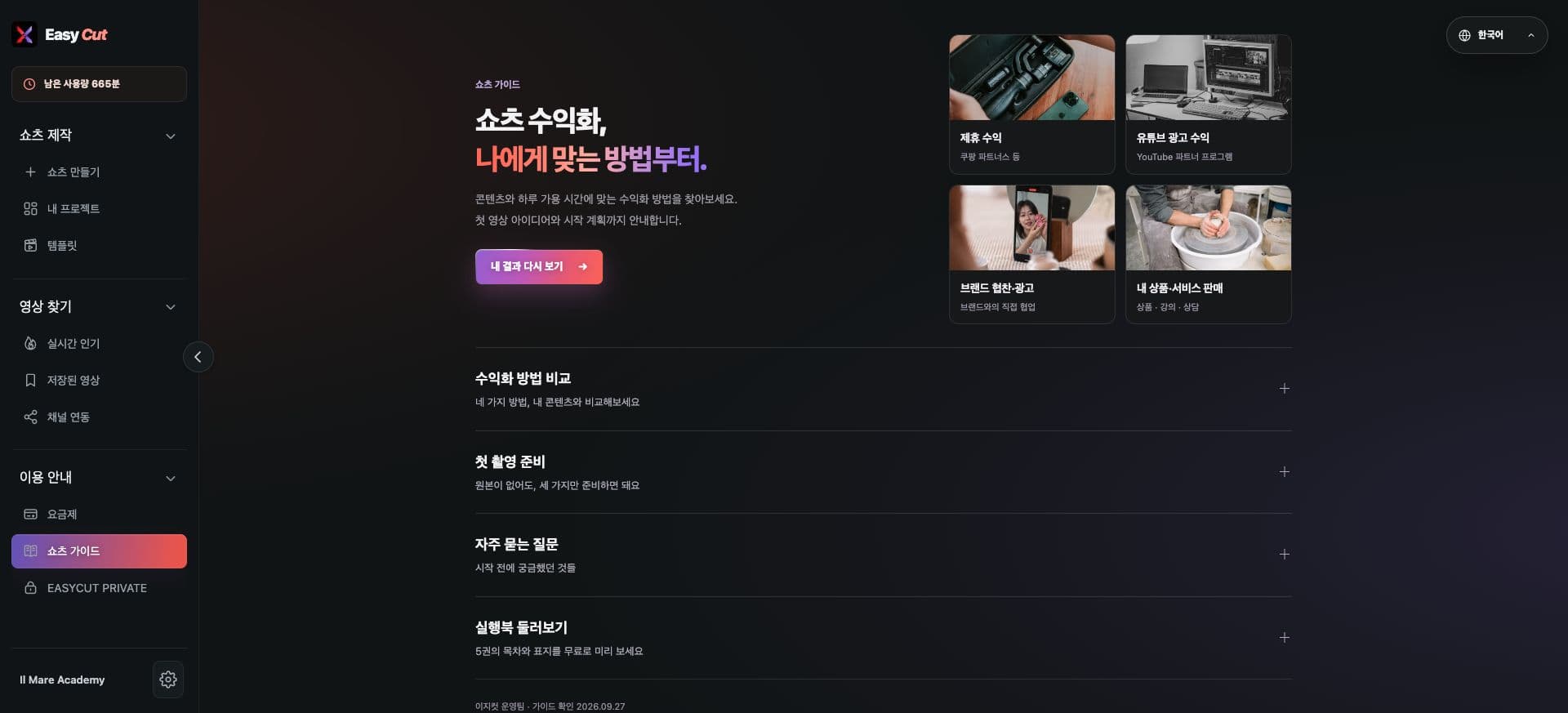
We've newly organized the guide for those starting Shorts management.
We've made it easier to decide your next steps by connecting diagnostic results with specific action plans.
You can review necessary information with guides in each language and a preview of the guide.
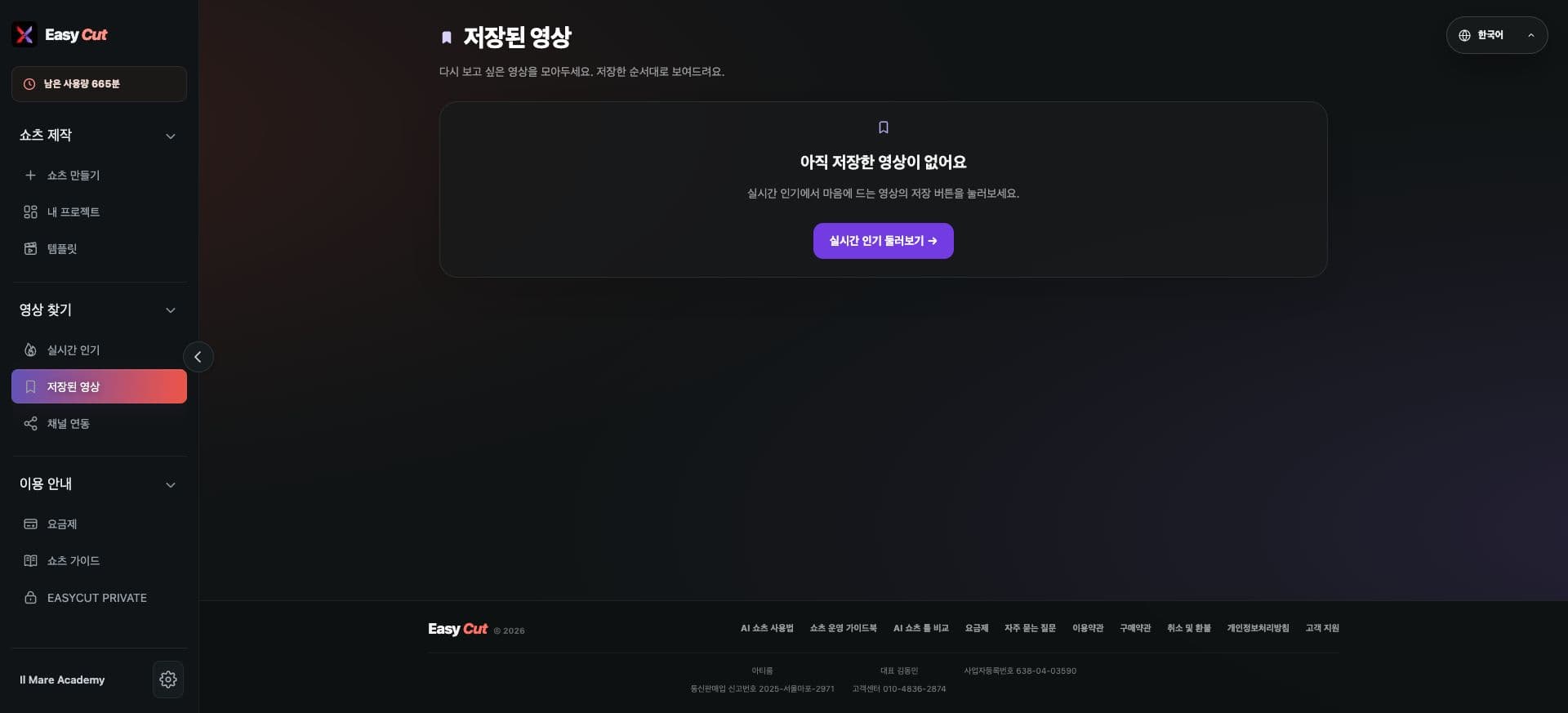
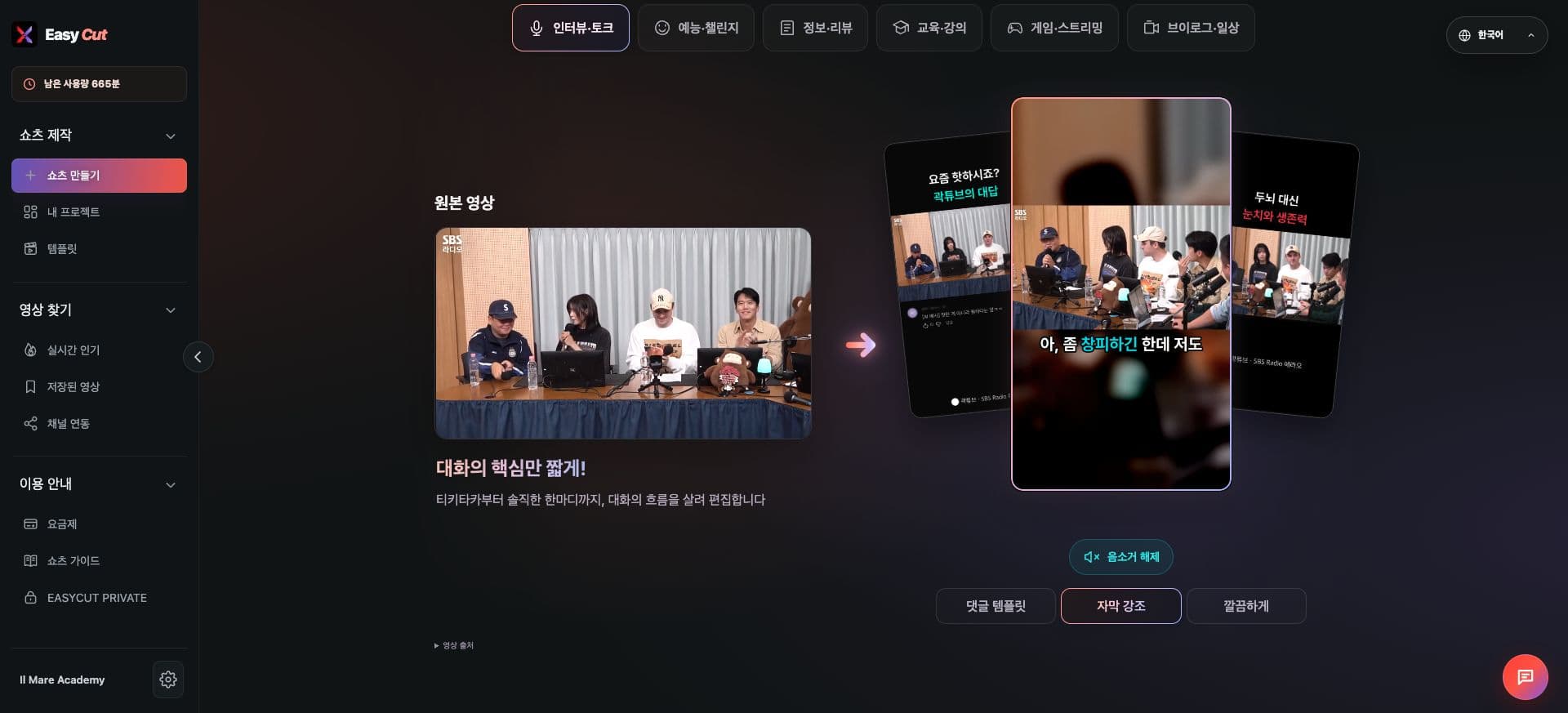
View on Screen
Check where to use it on the actual screen. Tap the image to enlarge.
How to use it
How to Use
- 01
Go to Usage Guide → Shorts Guide.
- 02
Check guidance and diagnostics tailored to your management situation.
- 03
Plan your next content based on the results.
Based on the change history for 2026.09.27. Screenshots may differ from the interface at the time of the update and may be in Korean. Check your account, plan and current service notices for feature availability.