Changes
What's Changed
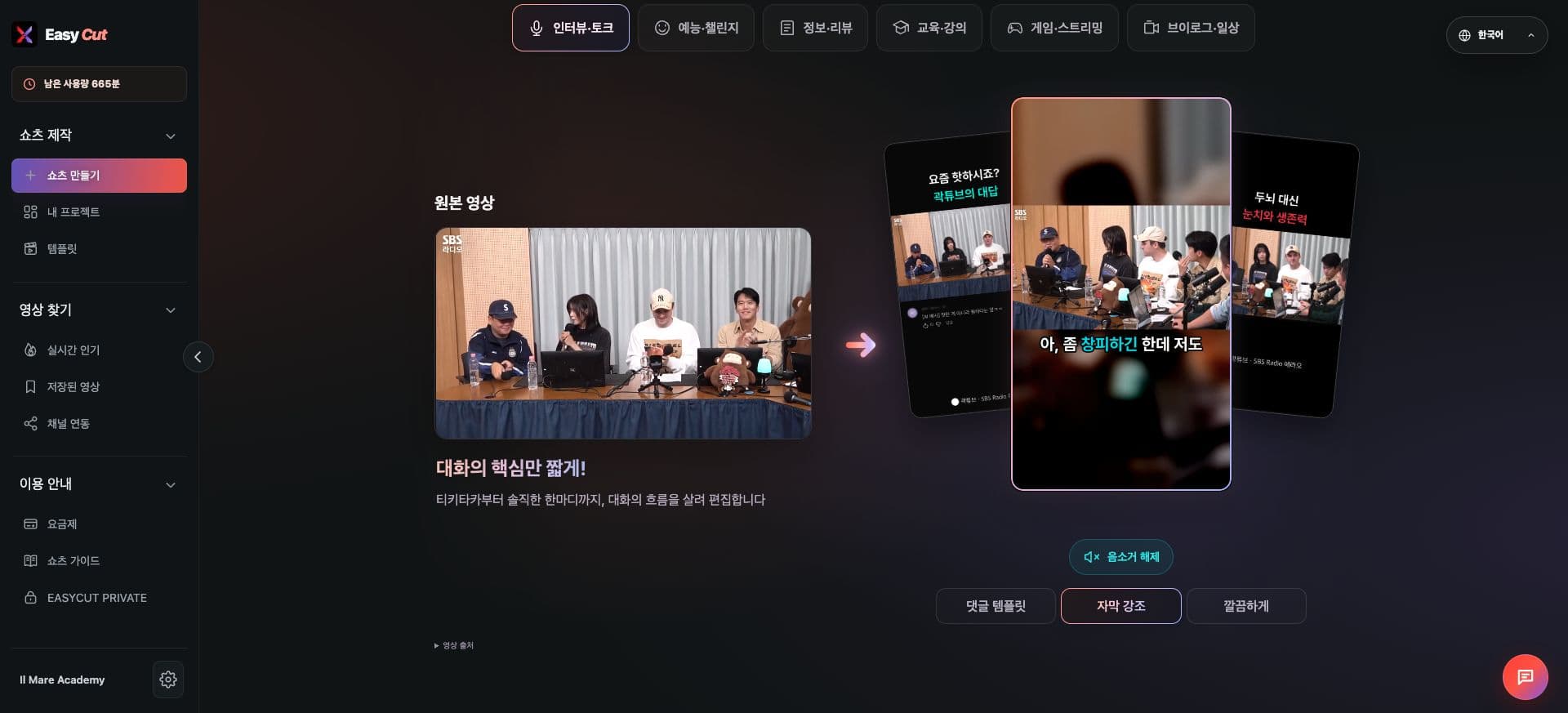
On the Home screen, you can view original videos and Shorts examples by video topic.
You can choose your production direction by comparing comment templates, subtitle emphasis, and clean styles.
On mobile, swipe sideways to conveniently check categories and examples.
See it in Action
Check where to use it on the actual screen. Tap the image to view it larger.
How to use it
How to Use
- 01
Find Shorts examples by category on the Home screen.
- 02
Select a topic similar to your video.
- 03
Compare completed styles and decide on your production direction.
Based on the change history for 2026.09.27. Screenshots may differ from the interface at the time of the update and may be in Korean. Check your account, plan and current service notices for feature availability.