Changes
Here's how it's changed
Added flow to re-pay by selecting a saved card.
Improved display of card issuer for saved cards and default selection of the last used card.
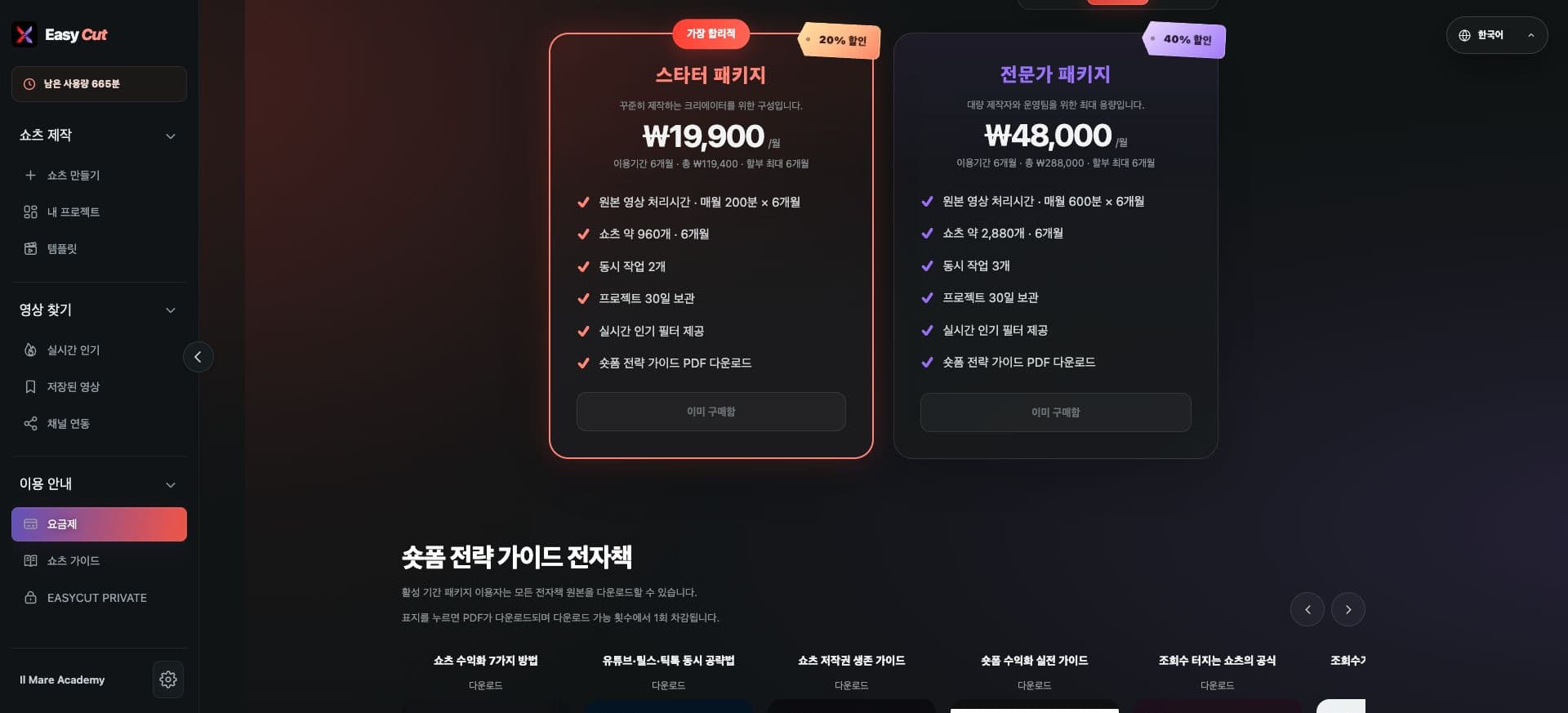
Payment methods have been reorganized. Please check the current payment methods and conditions on the plan screen.
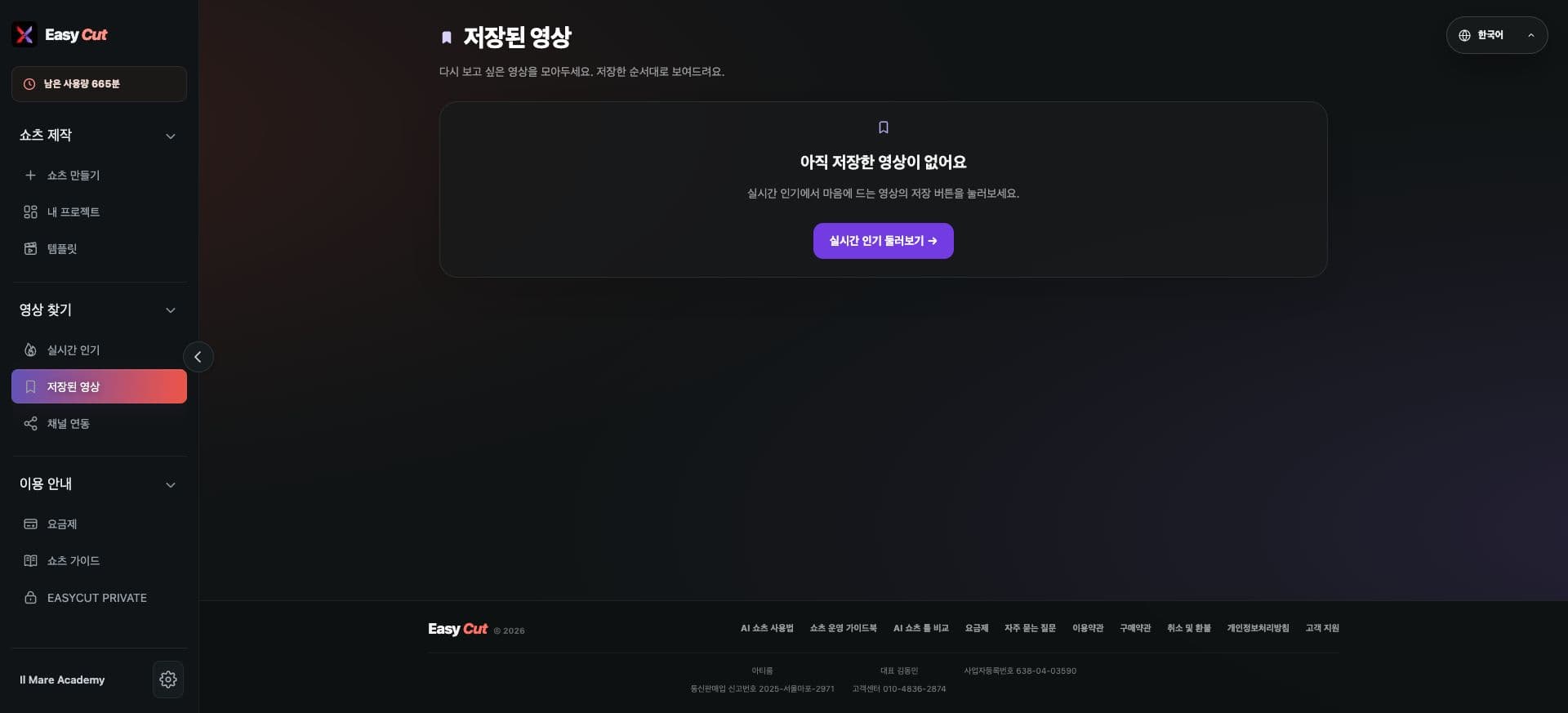
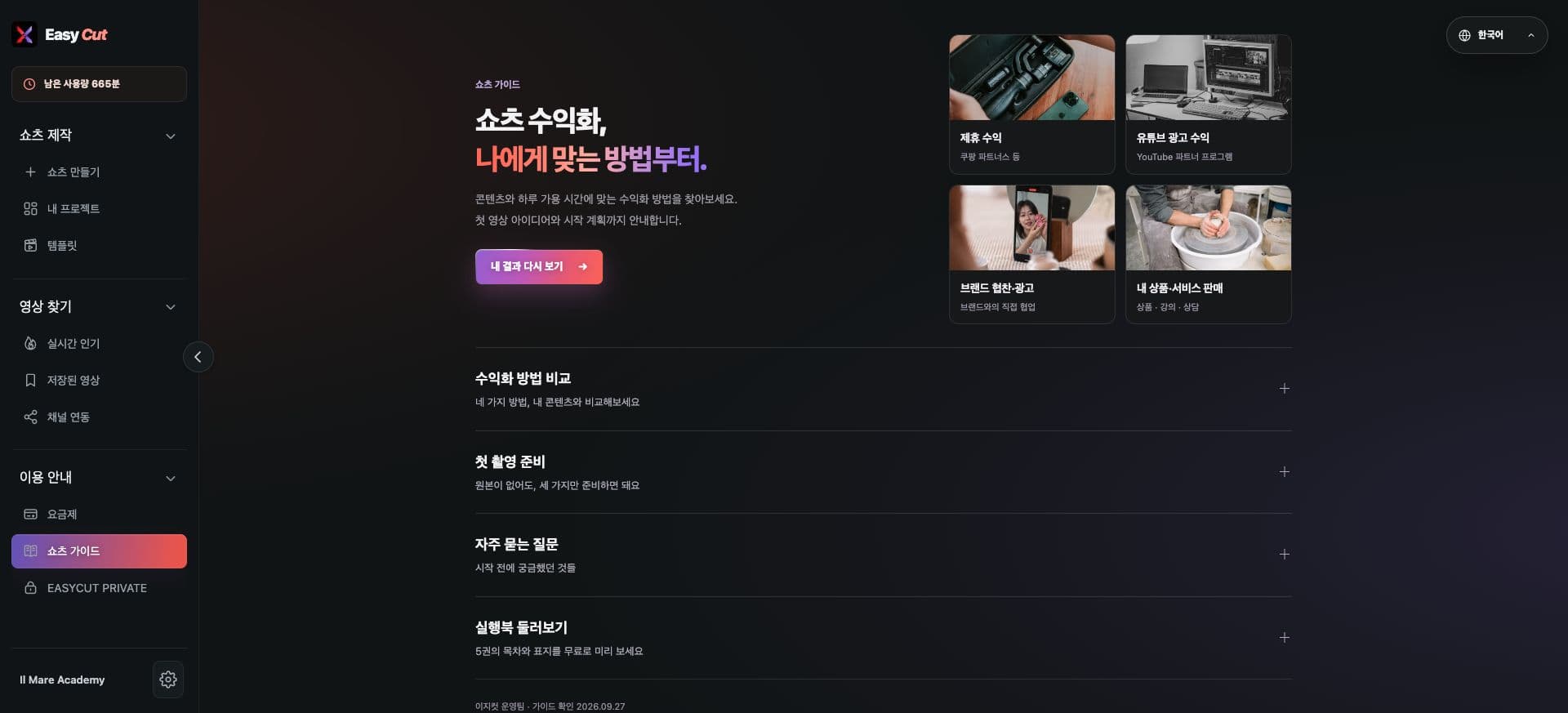
See the screens
Check the placement in the actual screen. Tap the image to enlarge.
How to use it
Try using it like this
- 01
Check your current plan and payment details on the plan screen.
- 02
Check available methods on the payment method selection screen.
- 03
Proceed after checking the actual amount and conditions.
Based on the change history for 2026.07.25. Screenshots may differ from the interface at the time of the update and may be in Korean. Check your account, plan and current service notices for feature availability.