Changes
What's Changed
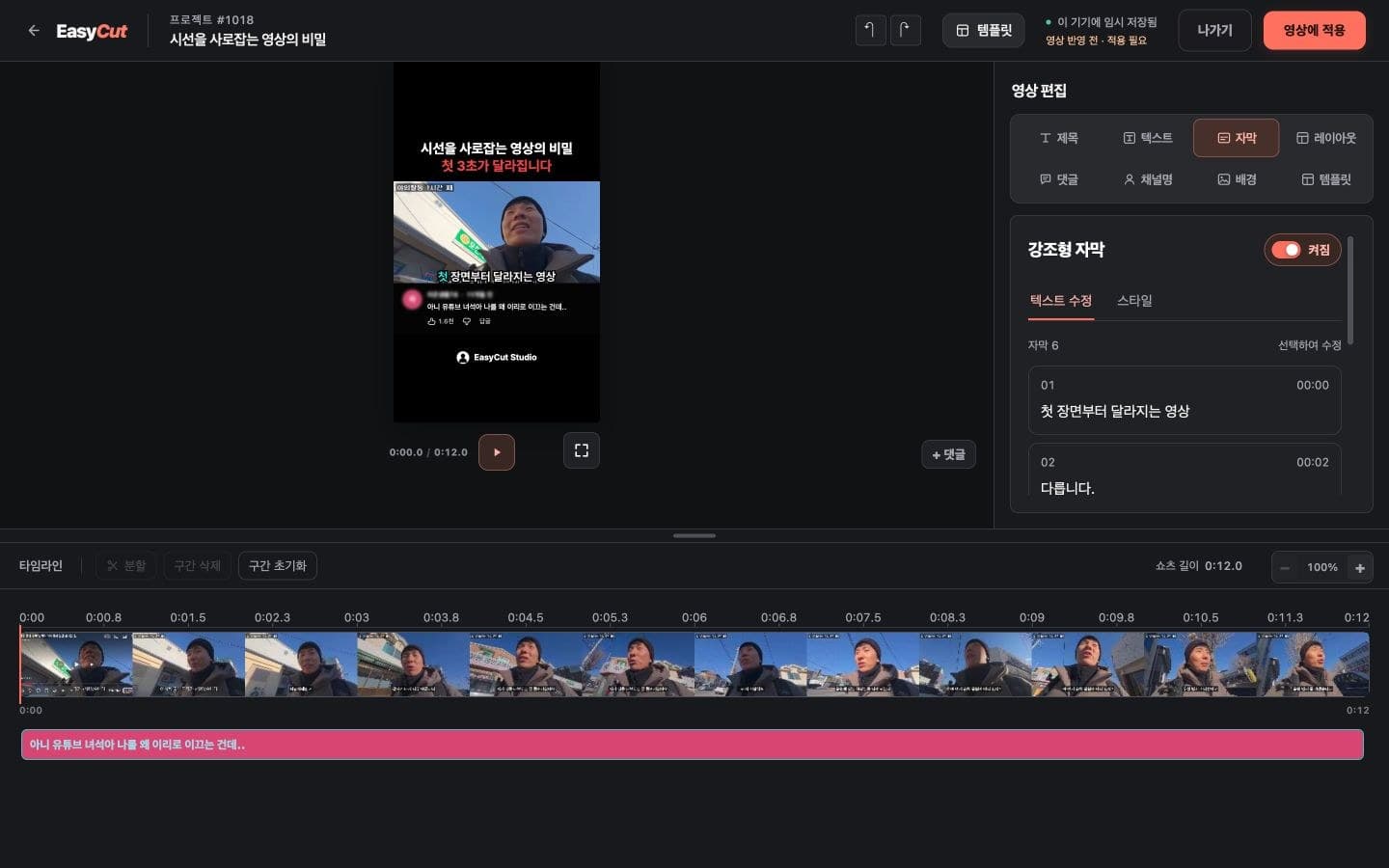
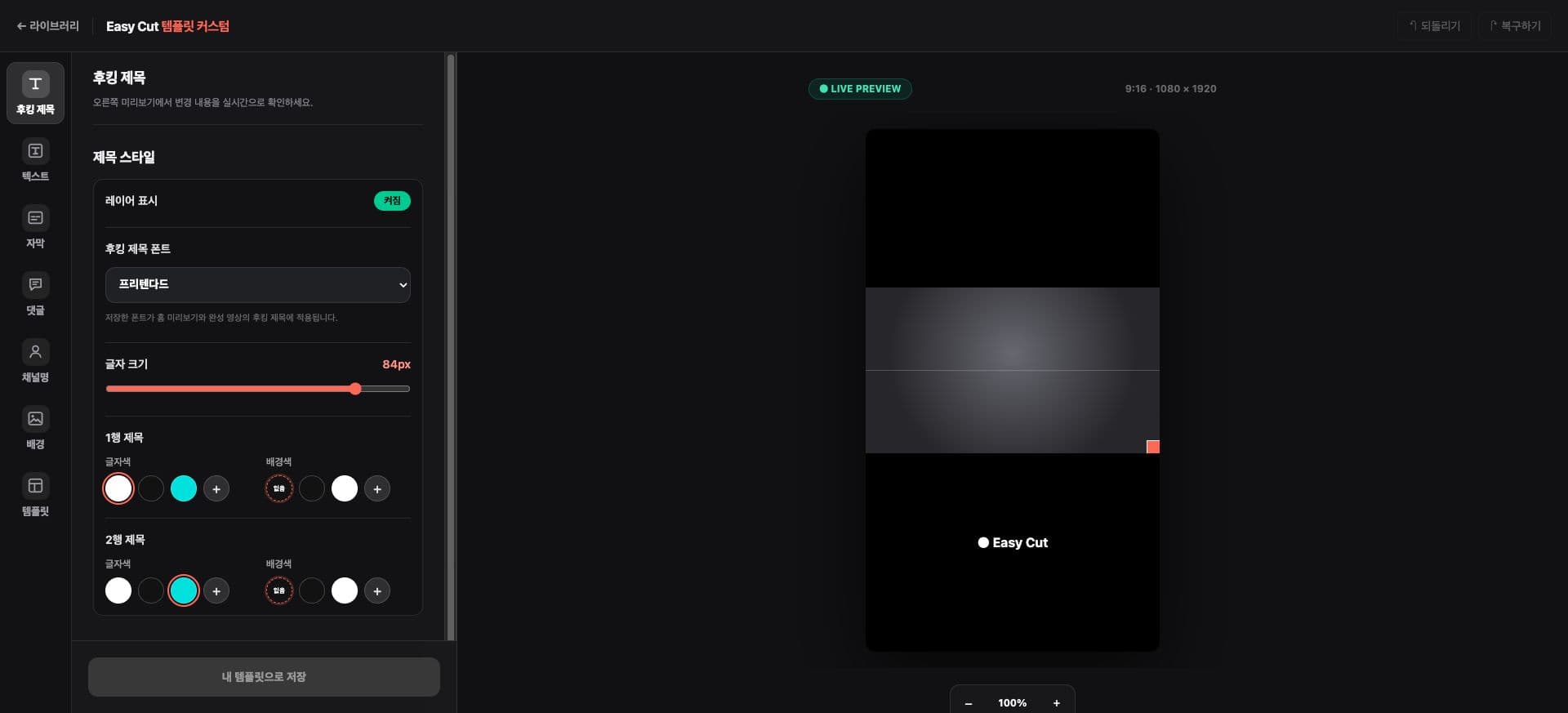
We've improved the screen layout to enable template editing tools on mobile.
Separating subtitle text movement and tool controls in the preview reduces accidental dragging.
Refine your templates while checking title, subtitle, and channel name settings.
See it on Screen
Check where it will be used on the actual screen. Tap the image to see it larger.
- 1Font, Size, Color Settings
- 2Check in Preview
How to use it
How to Use
- 01
Open your template on your phone.
- 02
Select the element and tool for editing.
- 03
Check the preview and save your template.
Based on the change history for 2026.09.05. Screenshots may differ from the interface at the time of the update and may be in Korean. Check your account, plan and current service notices for feature availability.