Changes
See what's changed
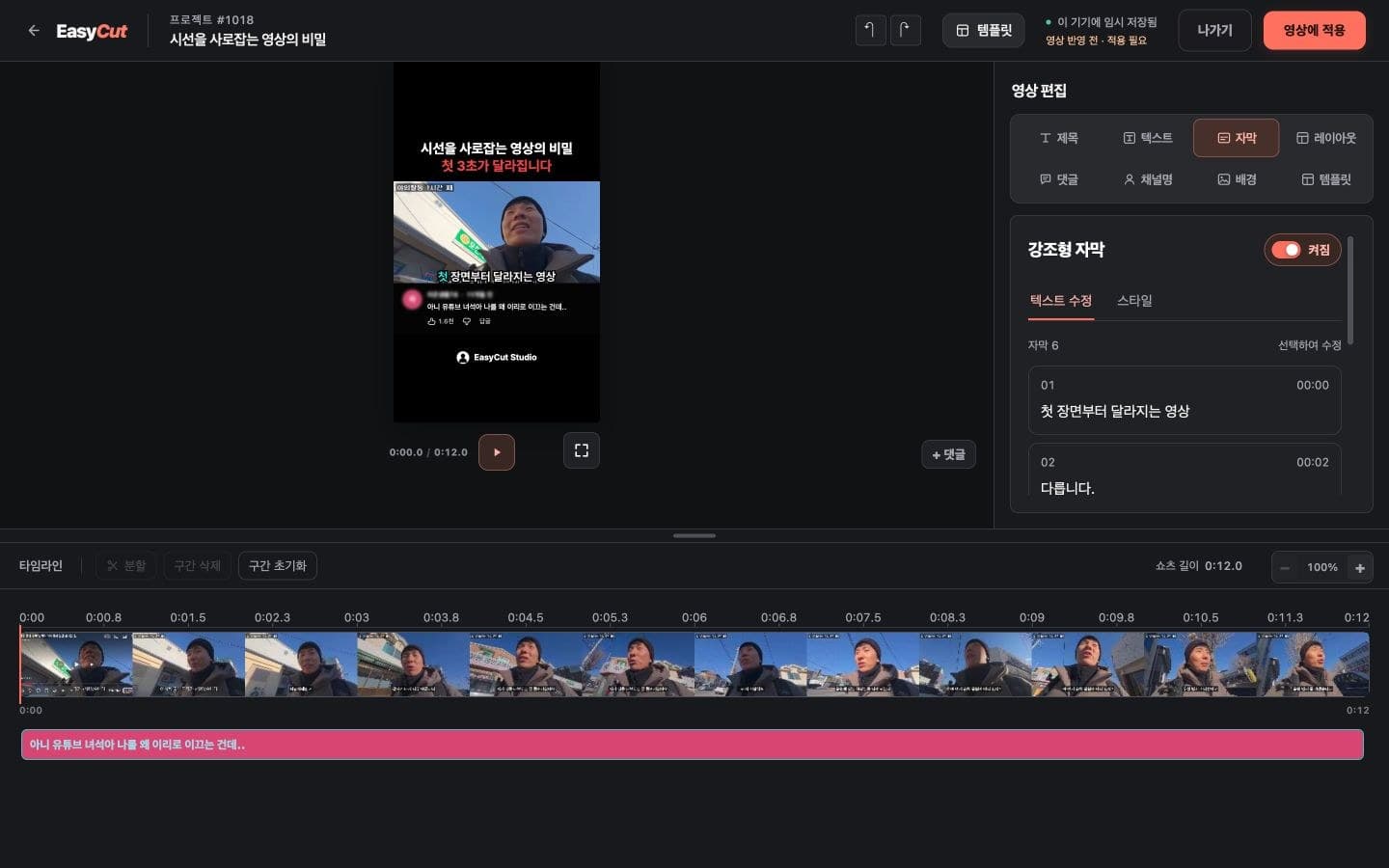
We've improved the instructions in the editor to make it easier to distinguish between saving and video reflecting status.
We've refined the flow for browsing project content on mobile.
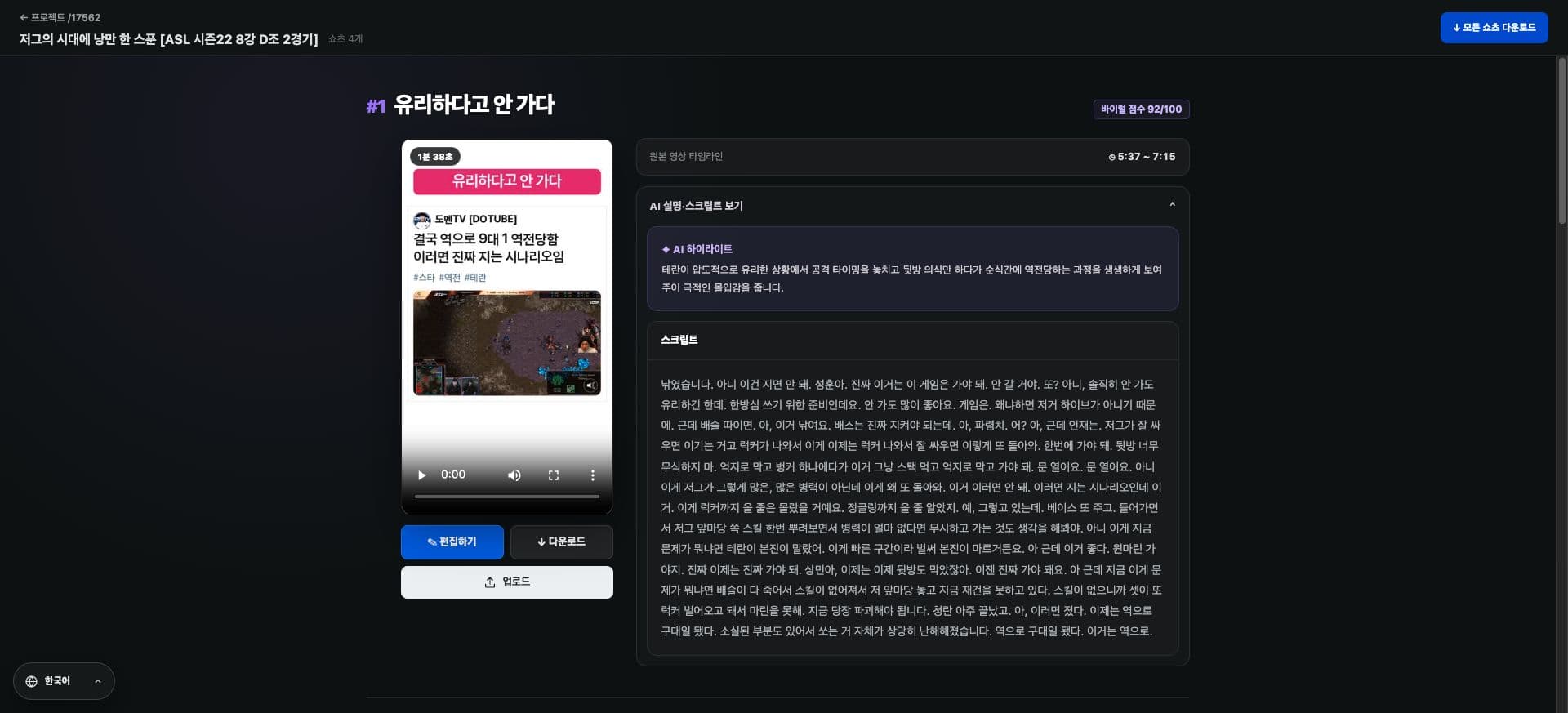
Project scripts now open by default, allowing you to check content immediately.
See it on screen
Check where to use it on the actual screen. Tap the image to enlarge.
How to use it
How to use
- 01
Open your completed video from My Projects.
- 02
Read the script and check the required scenes.
- 03
Check save instructions and reflect status after editing.
Based on the change history for 2026.09.29. Screenshots may differ from the interface at the time of the update and may be in Korean. Check your account, plan and current service notices for feature availability.