Changes
Here's What's Changed
We've improved the processing method for video downloads on iOS to ensure stability.
We've also refined the performance of the mobile editing screen.
You can receive your completed video through your browser's download/file save function.
See it in Action
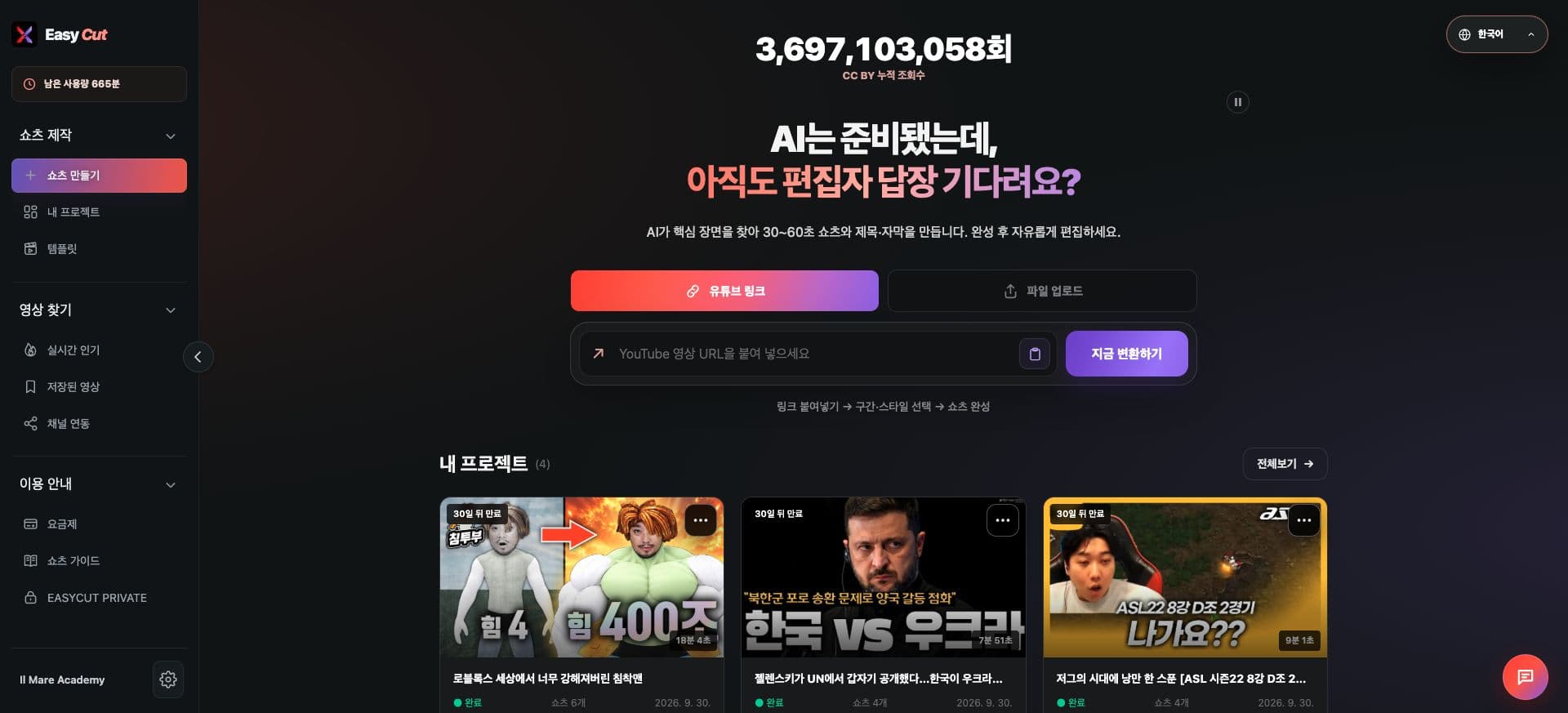
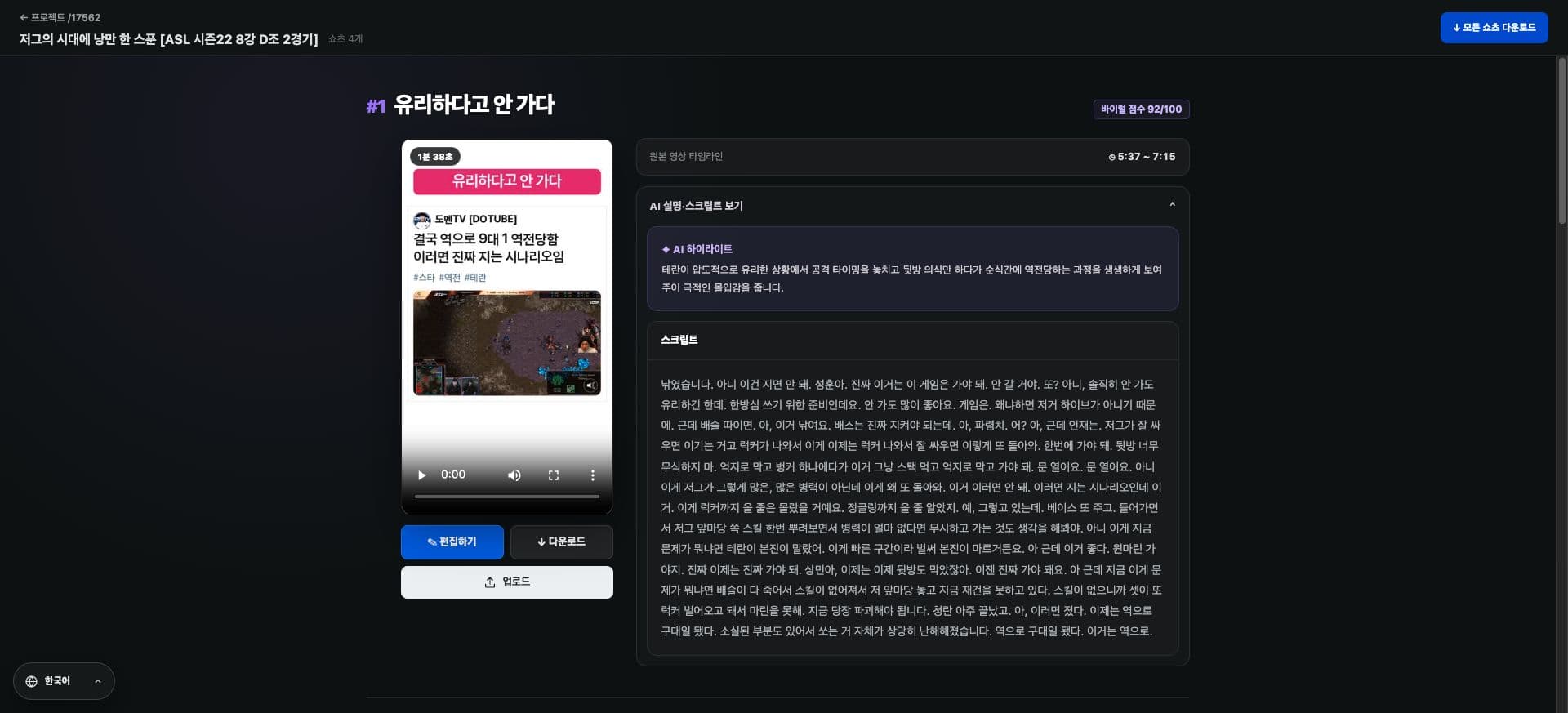
Check the locations where you can use these in the actual screen. Tap the image to enlarge.
How to use it
How to Use
- 01
Open your completed Shorts on your phone.
- 02
Tap the download button.
- 03
Check your browser's download list or the Files app.
Based on the change history for 2026.07.27. Screenshots may differ from the interface at the time of the update and may be in Korean. Check your account, plan and current service notices for feature availability.