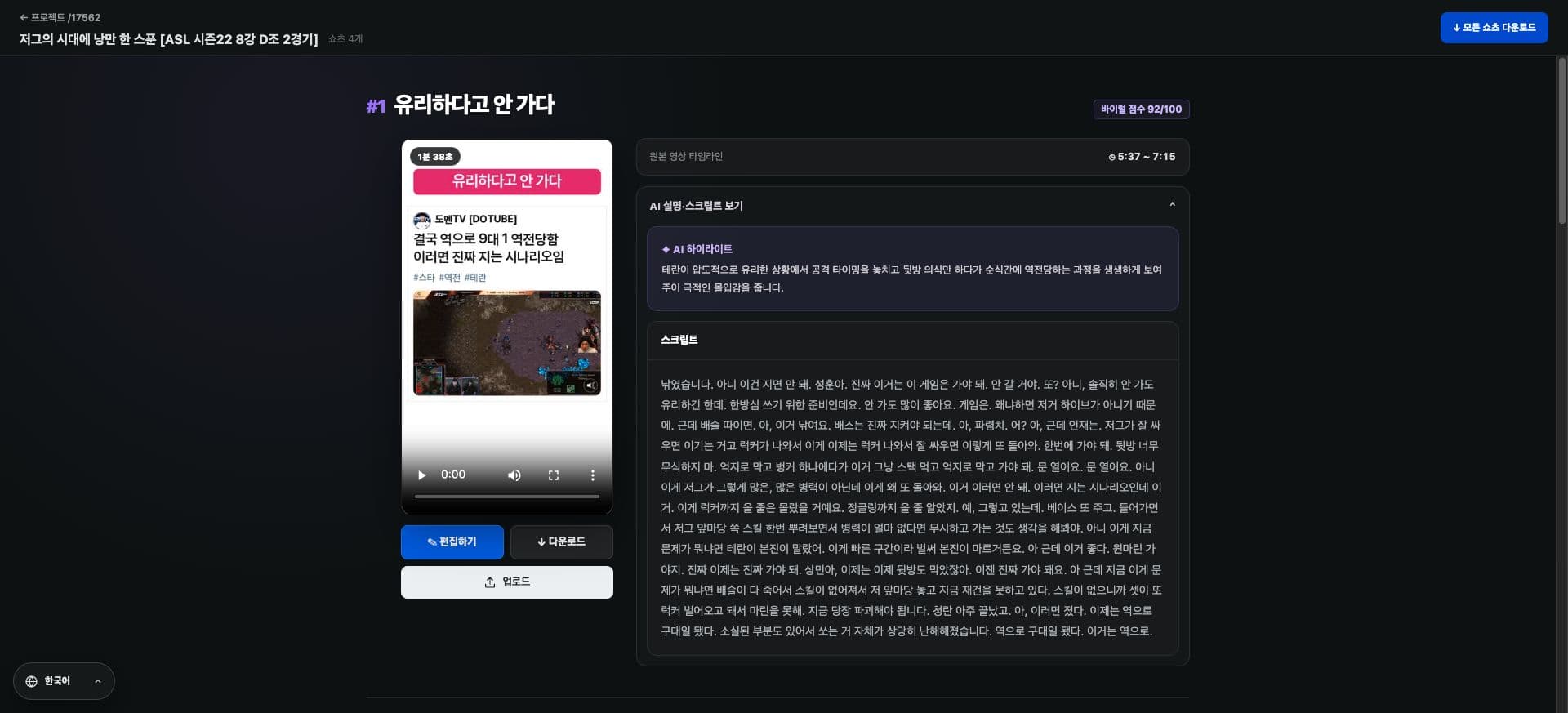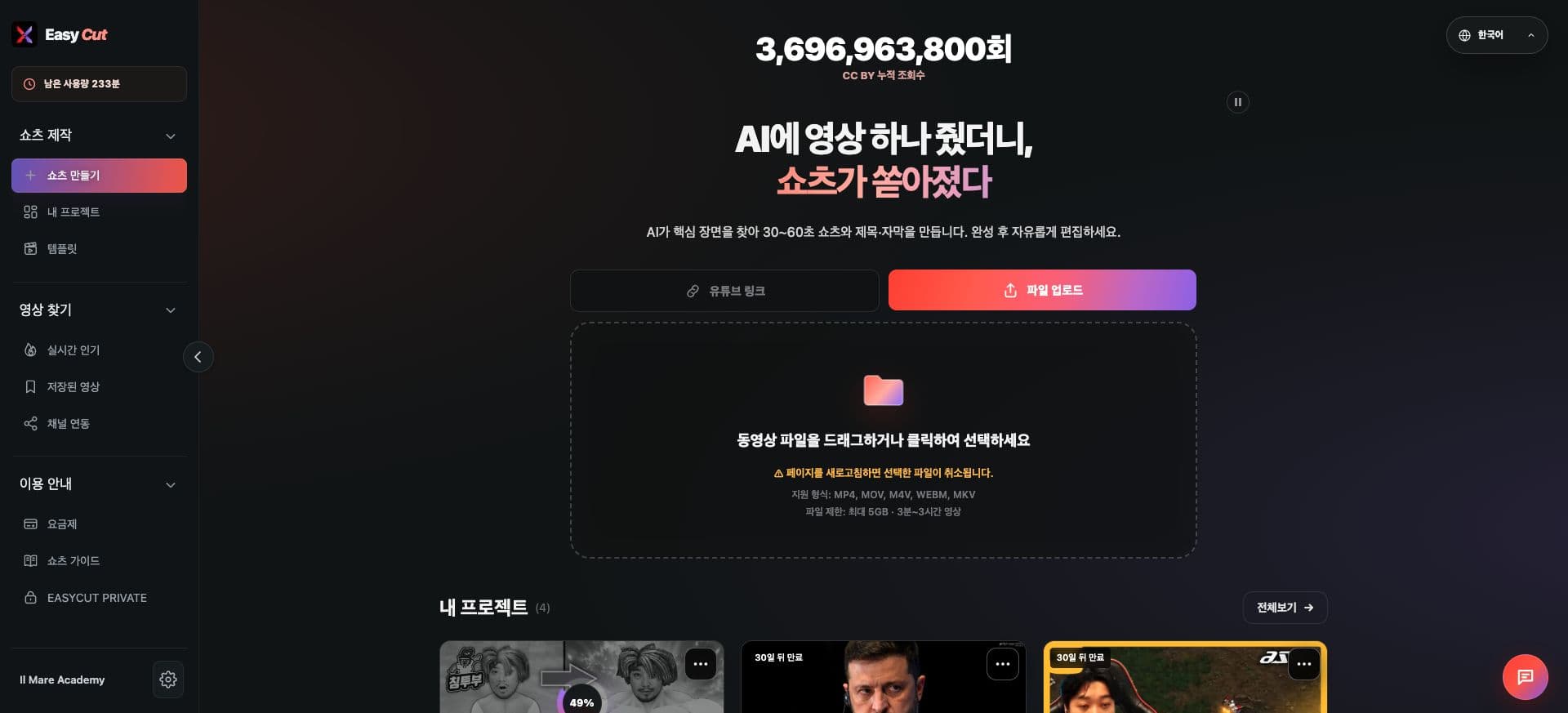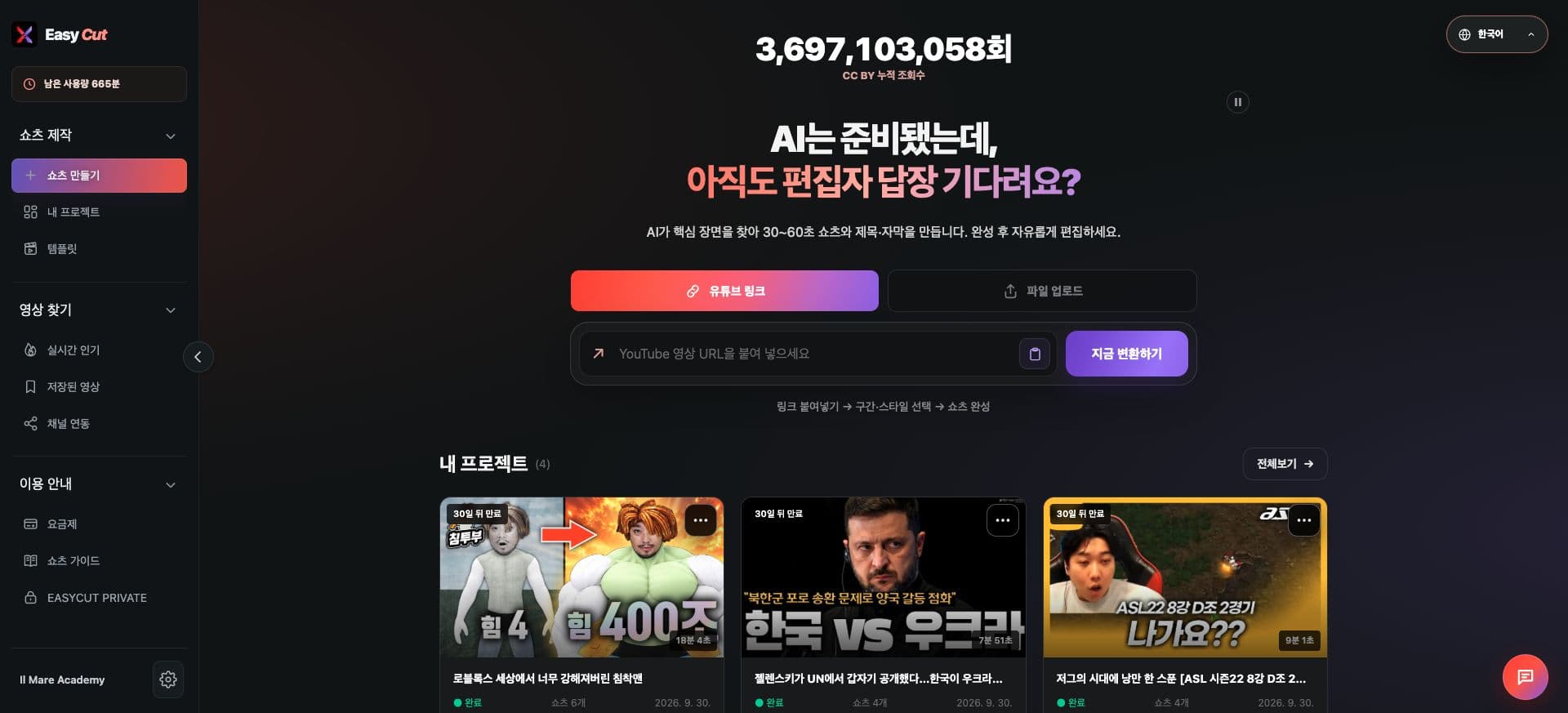
Changes
Here's How It's Changed
We've established a flow for selecting the language to use during the creation process.
We've improved the way titles and comments are structured to better fit expressions in each language.
Guidance on subtitle methods and translation display supported by templates. Please check the supported range on the actual selection screen.
See it in Action
Check the placement for actual use on screen. Tap the image to view larger.
How to use it
How to Use
- 01
Check the language selection in Video Creation Settings.
- 02
Choose settings that suit your audience and template.
- 03
Review the generated titles and phrases before use.
Based on the change history for 2026.09.17. Screenshots may differ from the interface at the time of the update and may be in Korean. Check your account, plan and current service notices for feature availability.