Changes
Here's how it has changed
Improved to handle the URL of VODs from ended public broadcasts.
Distinguishes between broadcasts in progress and ended VODs for guidance.
You can check video accessibility, supported length, and analysis range conditions upon input.
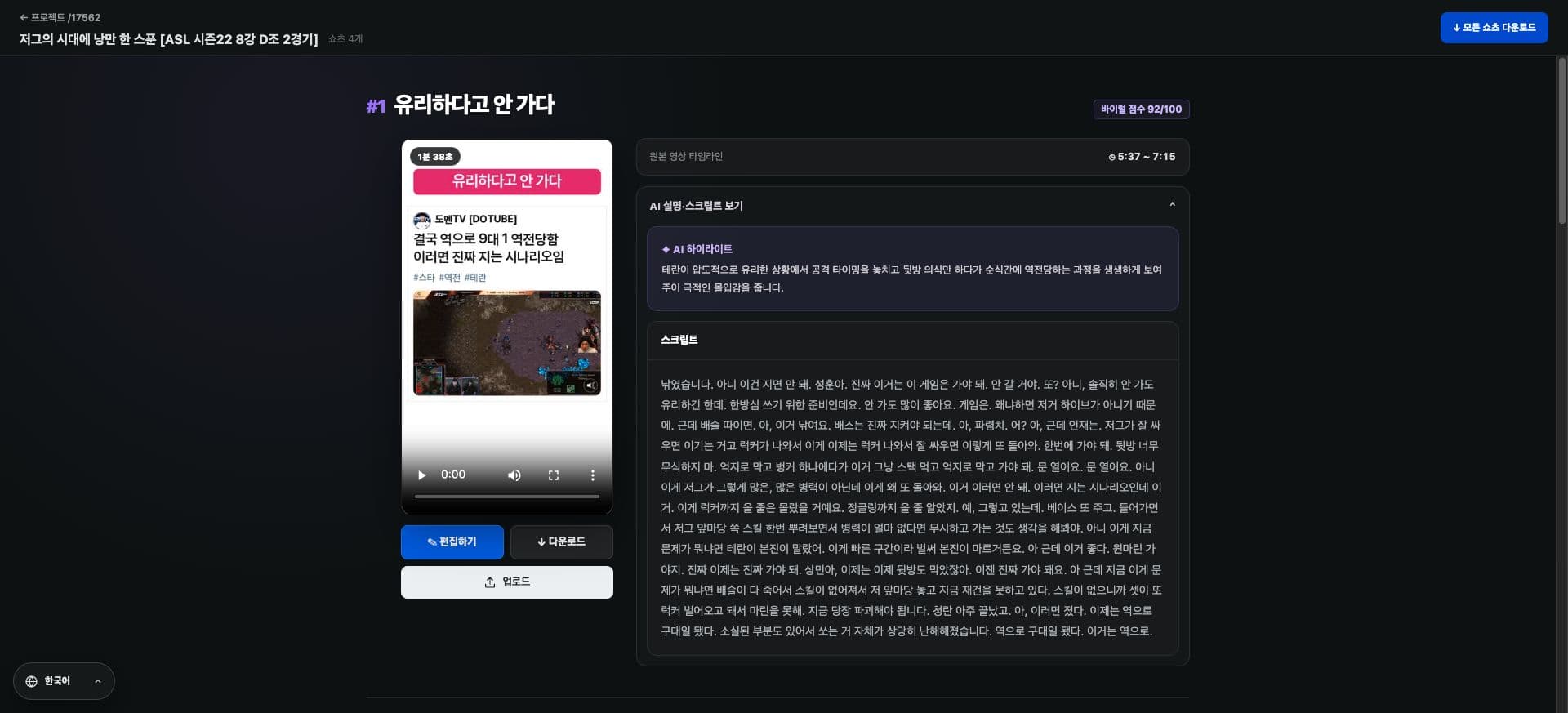
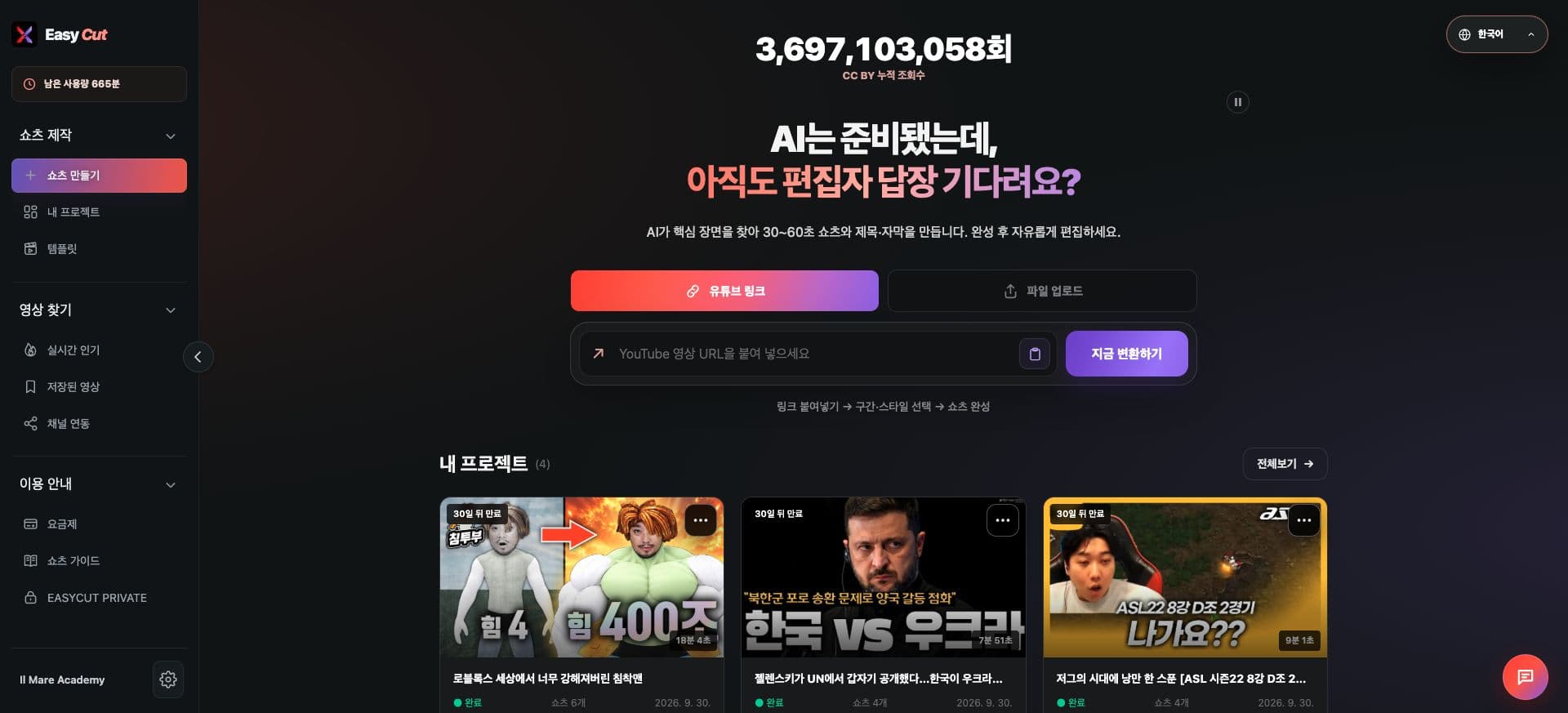
See the screen
Check the actual usage location on the screen. Tap the image to view it larger.
How to use it
Try it like this
- 01
Copy the link of the ended public VOD.
- 02
Paste it into the YouTube link input field on the Home screen.
- 03
Check video information and supported conditions.
Based on the change history for 2026.08.30. Screenshots may differ from the interface at the time of the update and may be in Korean. Check your account, plan and current service notices for feature availability.