Changes
Here's what's changed.
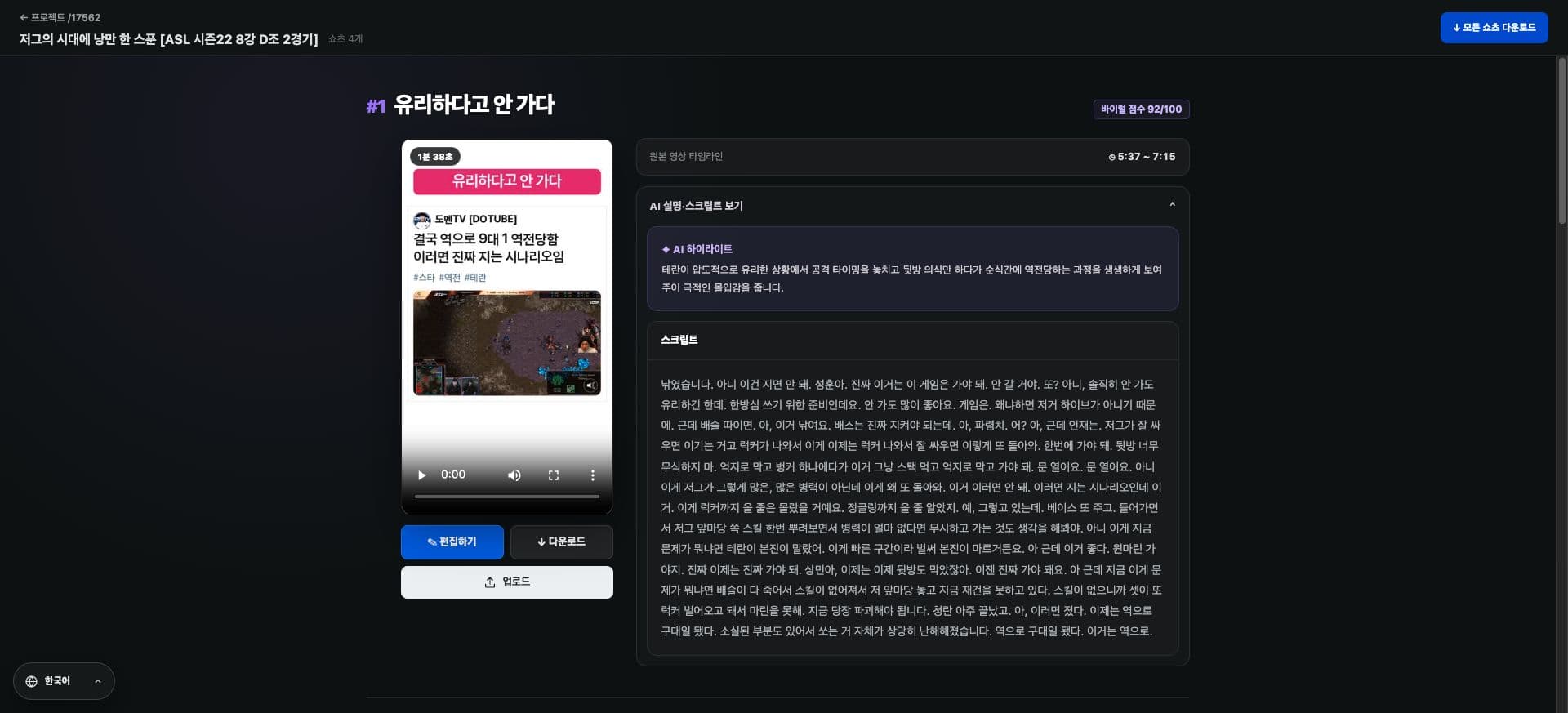
We've added AI evaluation scores to generated highlights for easy comparison.
You can select the Shorts to use while viewing the scores and actual scenes together.
The score is for reference to aid production decisions and does not guarantee actual views or performance.
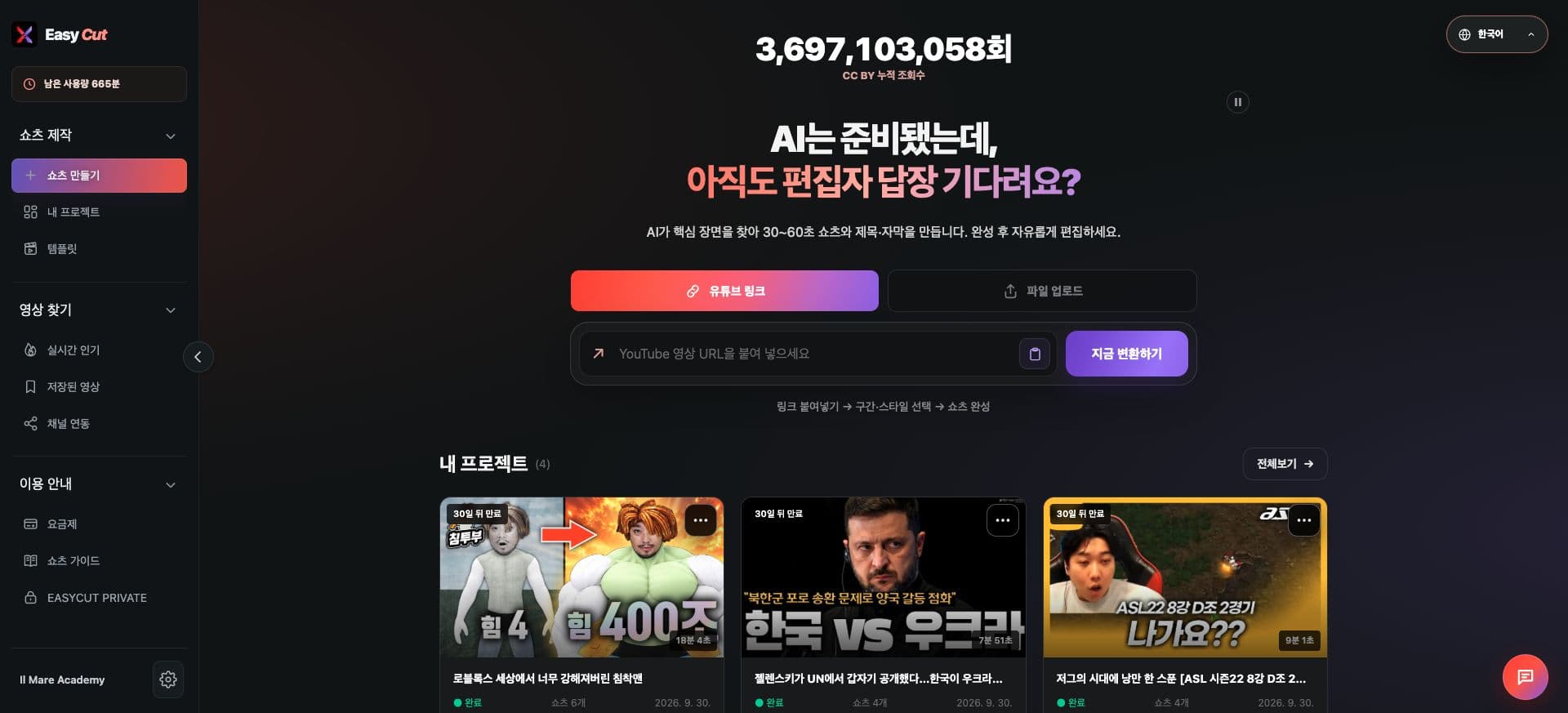
View with screenshots
Check the position to use in the actual screen. Tap the image to view it larger.
How to use it
How to use
- 01
Check the list of highlights for your completed project.
- 02
Compare AI scores and titles.
- 03
Select the scene to use after reviewing the actual video.
Based on the change history for 2026.08.13. Screenshots may differ from the interface at the time of the update and may be in Korean. Check your account, plan and current service notices for feature availability.