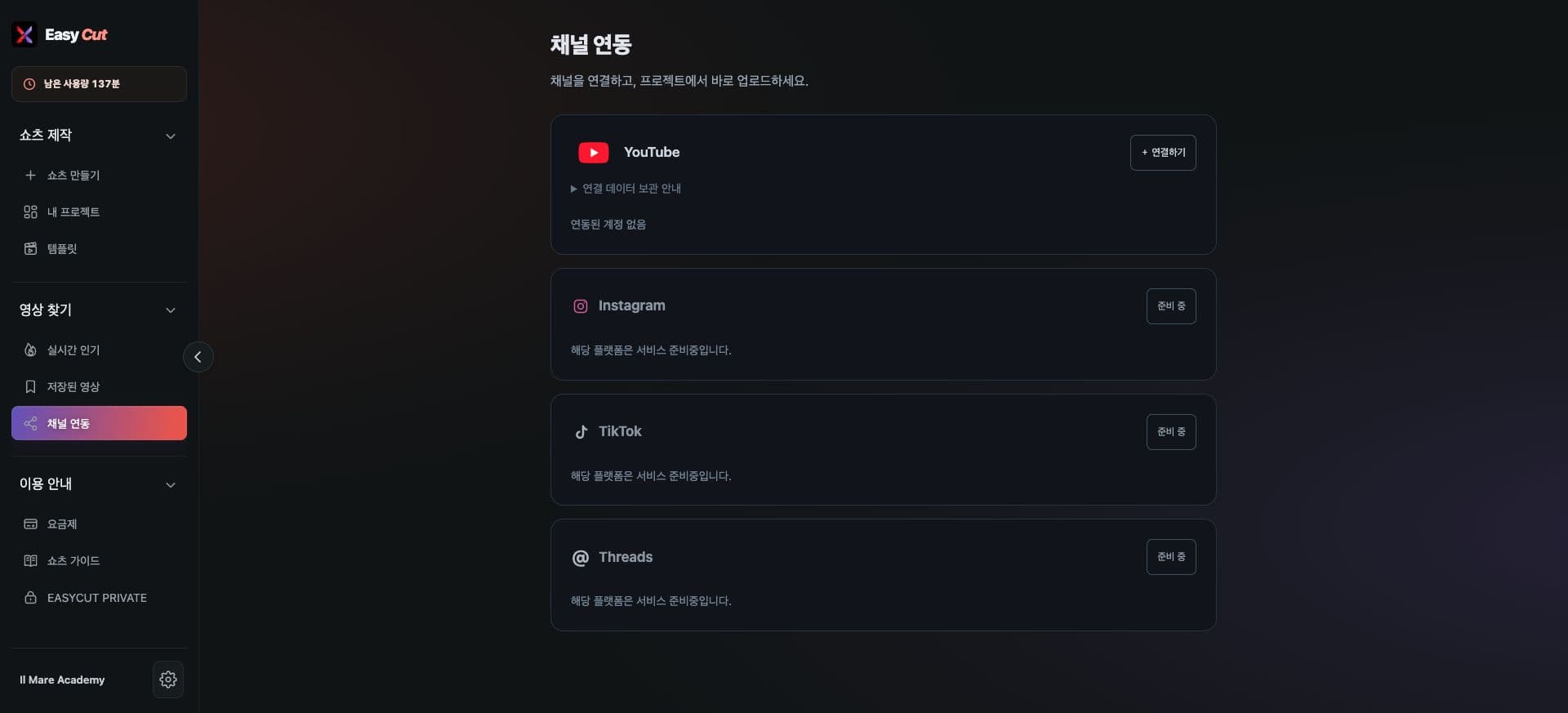
Direct YouTube uploads resumed
Upload finished Shorts directly to your connected YouTube channel without downloading them first.
With increased upload capacity, direct YouTube uploads are available again. Existing eligibility requirements still apply.
How to use it
How to upload
- 01
Open a completed project, click Upload, and select YouTube.
- 02
Select your connected channel and review the title, description, and visibility.
- 03
Review the required fields, upload, and check progress.
Based on the change history for 2026.11.03. Screenshots may differ from the interface at the time of the update and may be in Korean. Check your account, plan and current service notices for feature availability.