Changes
What's Changed
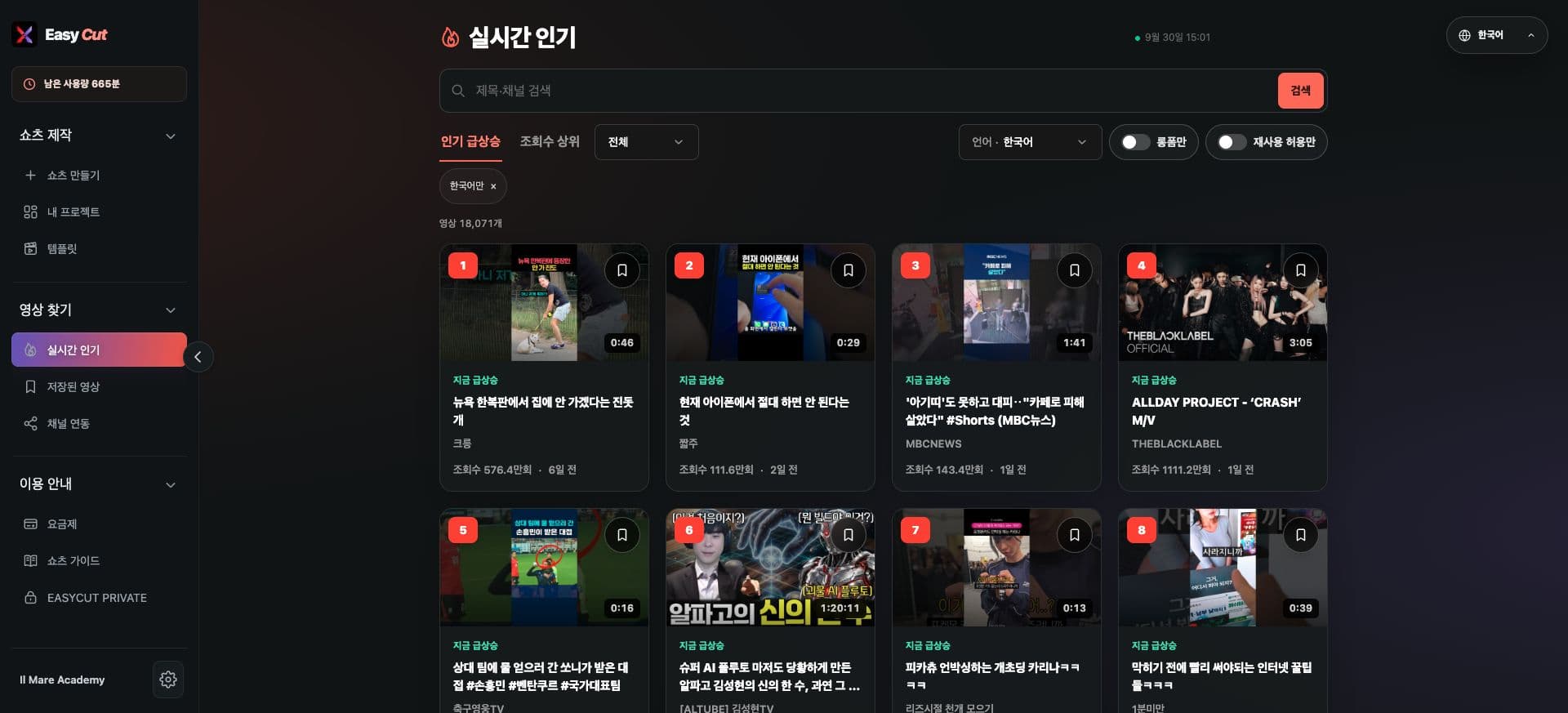
Search by title and channel has been added to the real-time trending list.
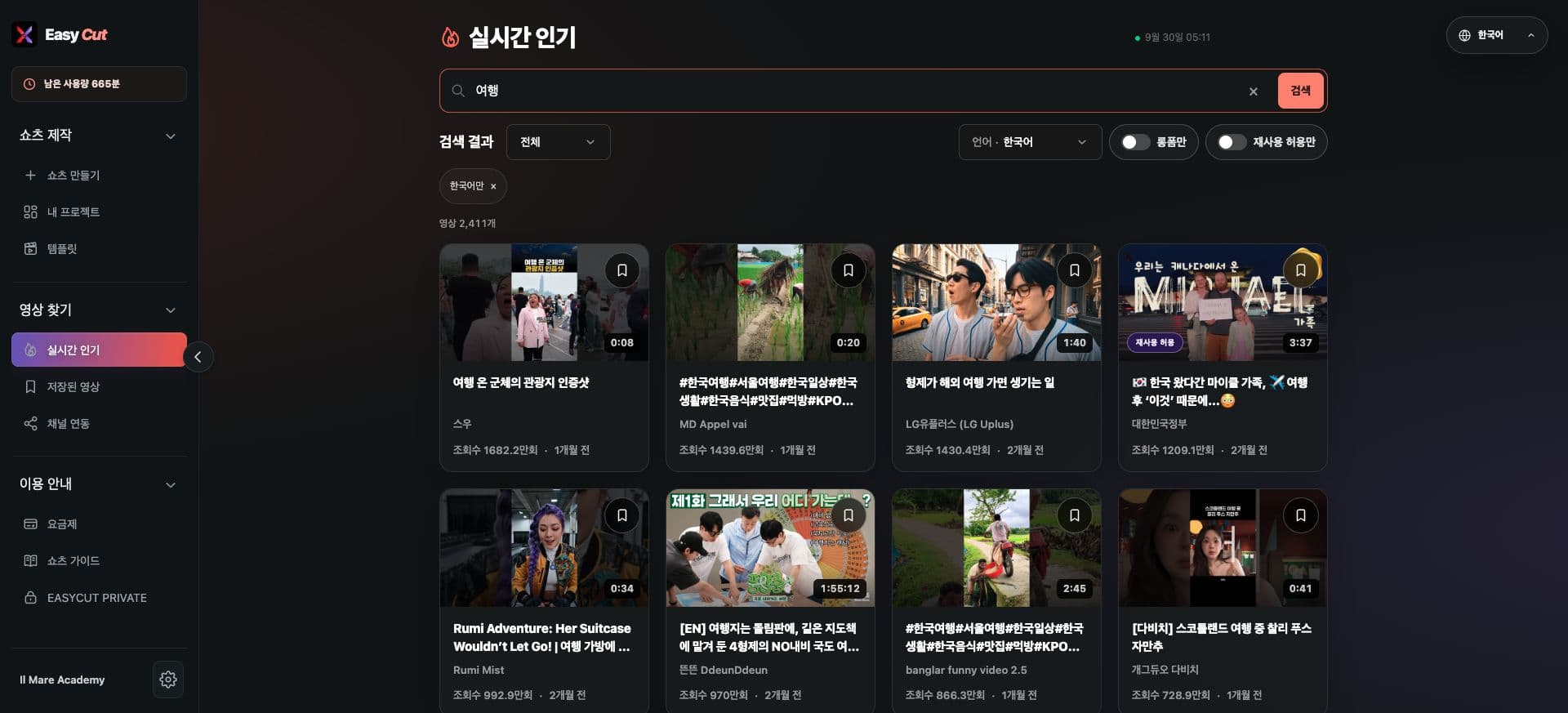
View results matching your keywords from collected videos, and apply language and length filters.
Clear your search to return to the trending list. See your account's plan details for search usage scope.
See it in action
Check where to use it on the actual screen. Tap the image to enlarge.
- 1Search by Title or Channel Name
- 2Videos Matching Keywords
How to use it
How to Use
- 01
Enter your desired keywords in the title/channel search bar.
- 02
Press search and check the results.
- 03
Narrow the scope with filters or save videos you're interested in.
Based on the change history for 2026.09.23. Screenshots may differ from the interface at the time of the update and may be in Korean. Check your account, plan and current service notices for feature availability.