Changes
See What's Changed
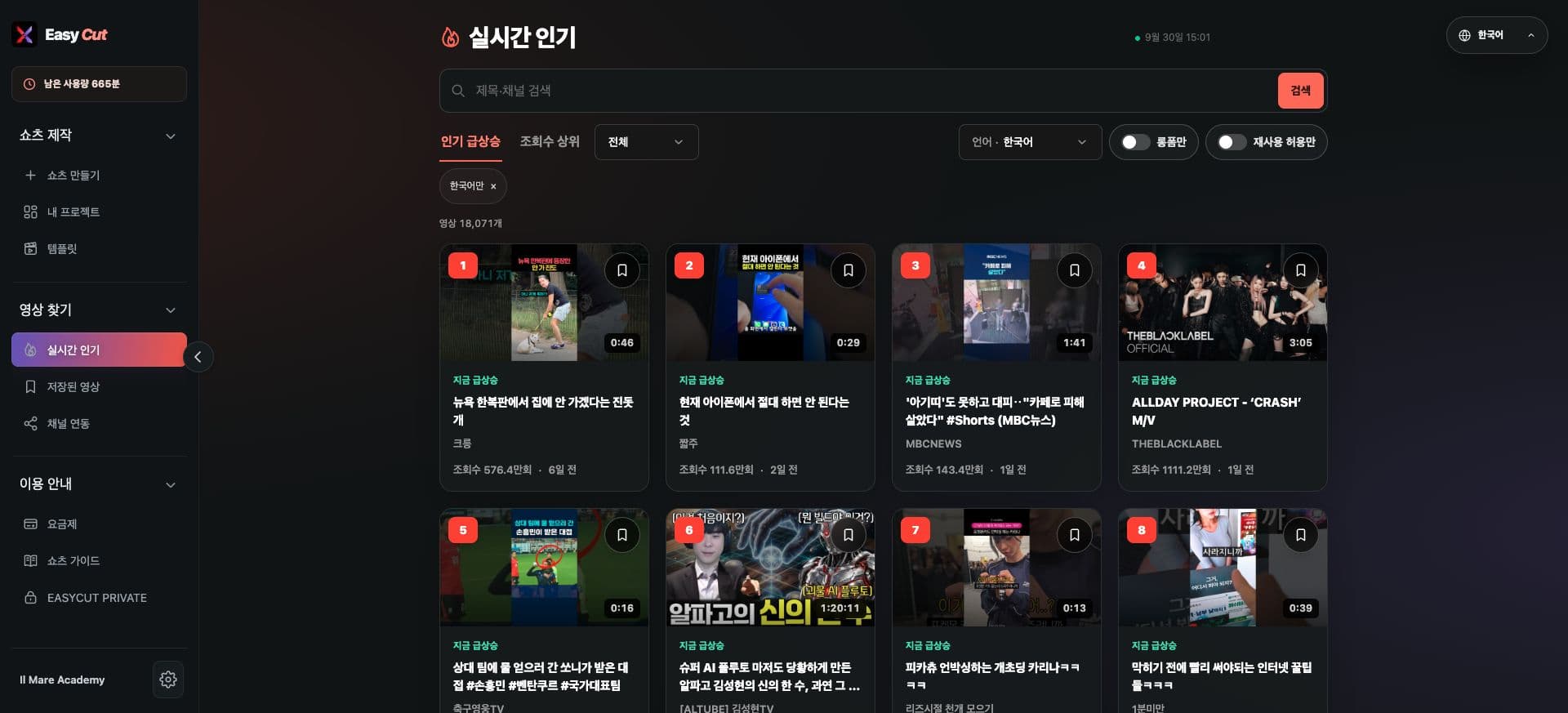
Your collection of popular videos now accumulates, allowing you to revisit videos you previously discovered.
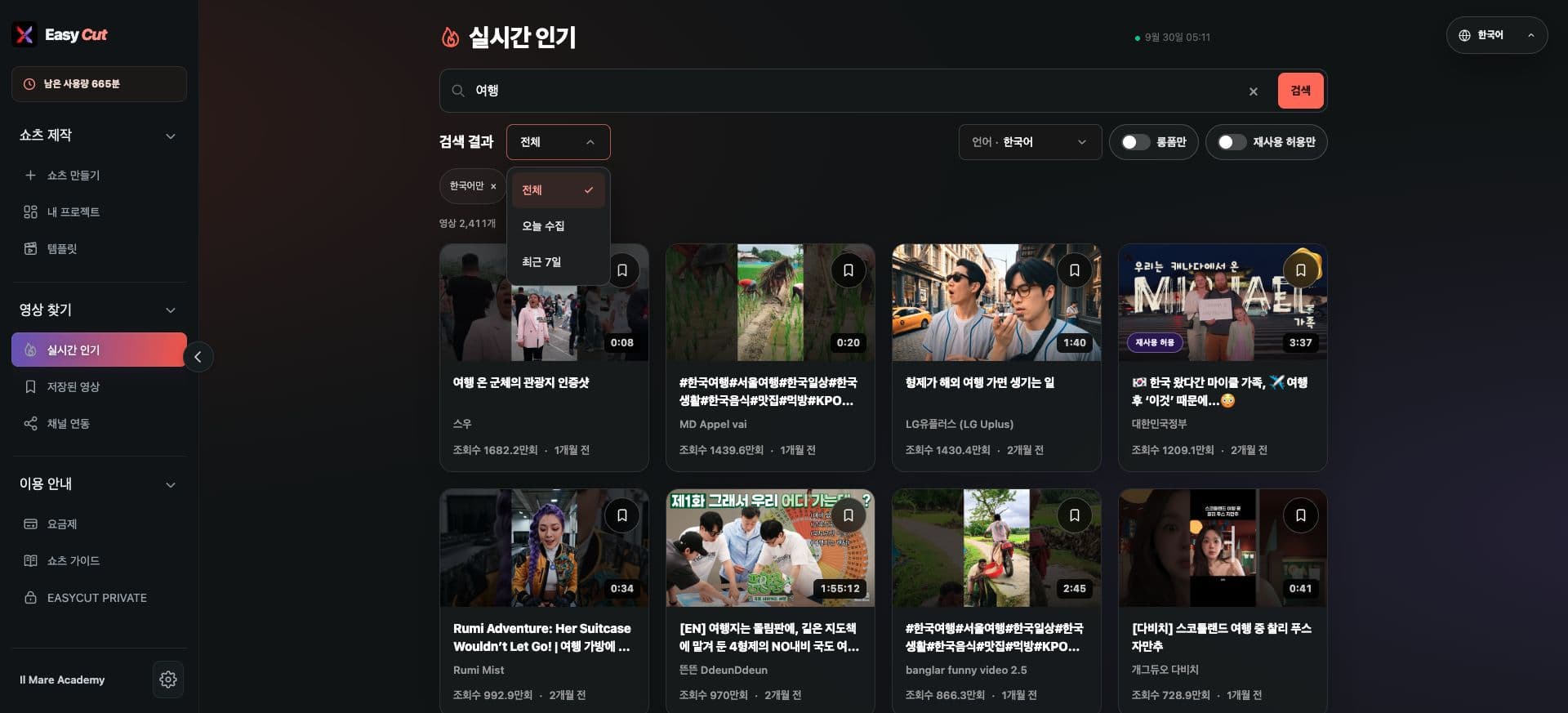
Narrow down your search with collection date filters.
On this screen, select the period using the menus for All, Today's Collection, or Last 7 Days.
View the Screens
Check the usage locations on the actual screens. Tap the image to view it larger.
- 1Select Desired Collection Period
How to use it
How to Use
- 01
Open the collection period menu in Real-time Popular.
- 02
Choose from All, Today's Collection, or Last 7 Days.
- 03
Find inspiration from videos within the selected period.
Based on the change history for 2026.09.09. Screenshots may differ from the interface at the time of the update and may be in Korean. Check your account, plan and current service notices for feature availability.