Changes
See the difference
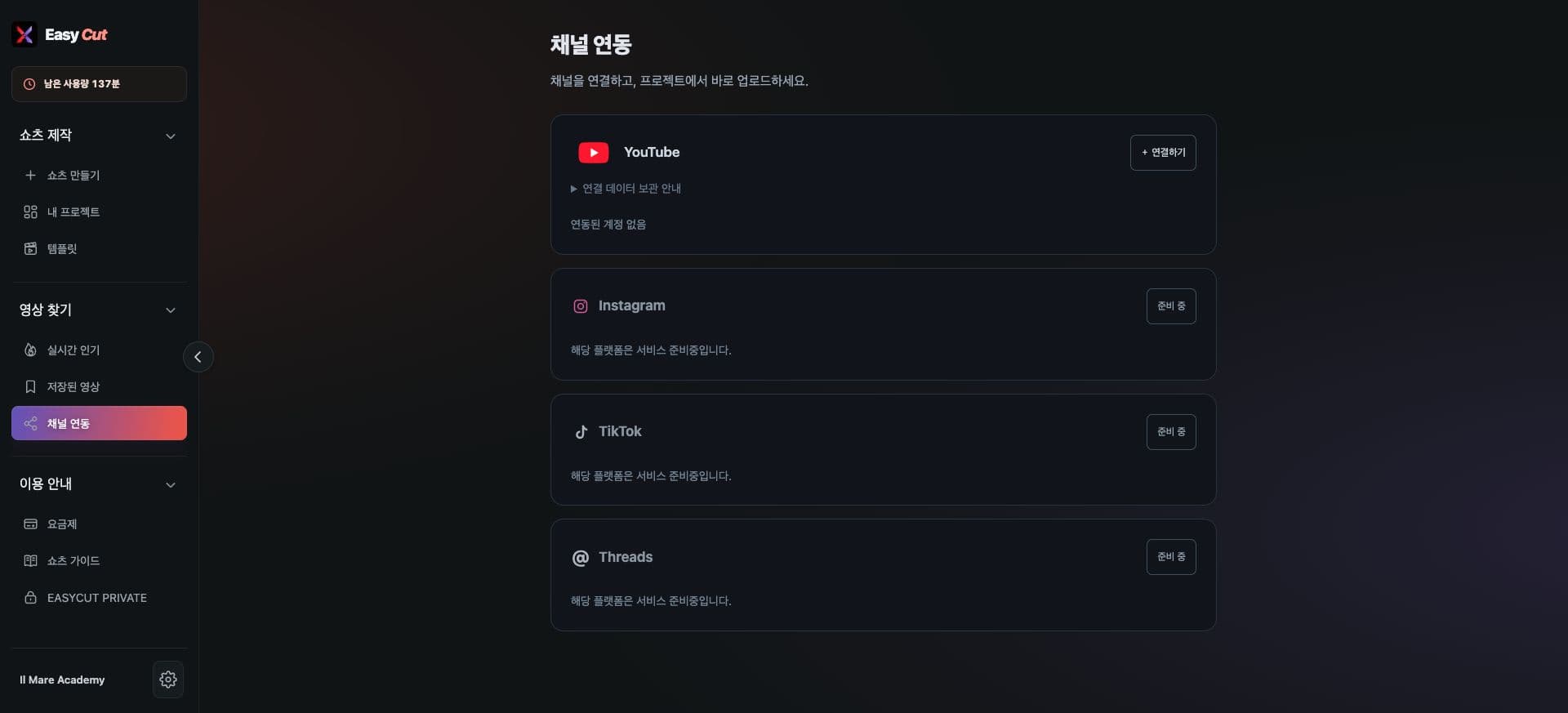
A Channel Connection menu has been added to Find Videos. You can check the connection status on one screen.
After connecting YouTube, you can proceed to the upload function within your project. The scope of use per account will be displayed on the actual screen.
Instagram, TikTok, and Threads are currently displayed as 'Coming Soon'. Please use the platforms that can be connected first.
See it in action
Check where to use it on the actual screen. Click the image to enlarge.
- 1Connect to YouTube
- 2Other platforms are coming soon
How to use it
How to use
- 01
Go to Find Videos → Connect Channel.
- 02
Press "Connect to YouTube" and select the channel you want to use.
- 03
Check the upload guide in your completed project.
Based on the change history for 2026.09.30. Screenshots may differ from the interface at the time of the update and may be in Korean. Check your account, plan and current service notices for feature availability.